Navigation: Quality Management> Auditing> Responses> Options Menu (responses must be selected)
OSCAR allows users that have auditing permissions the ability to set the scoring priority on responses. Response priority will determine which responses are "first in line" to be scored by the scoring team through the scoring queue. It is important to keep in mind that responses that are in the Reliability state will always be scored before Unscored responses, regardless of priority. Setting the priority will ensure the response is delivered before other responses with a lower priority value in the same response state. By default, all responses are loaded the same priority (50). Note, once a priority is set, responses that share the same priority value will still be randomized during delivery.
To set a response priority:
- Search auditing for responses.
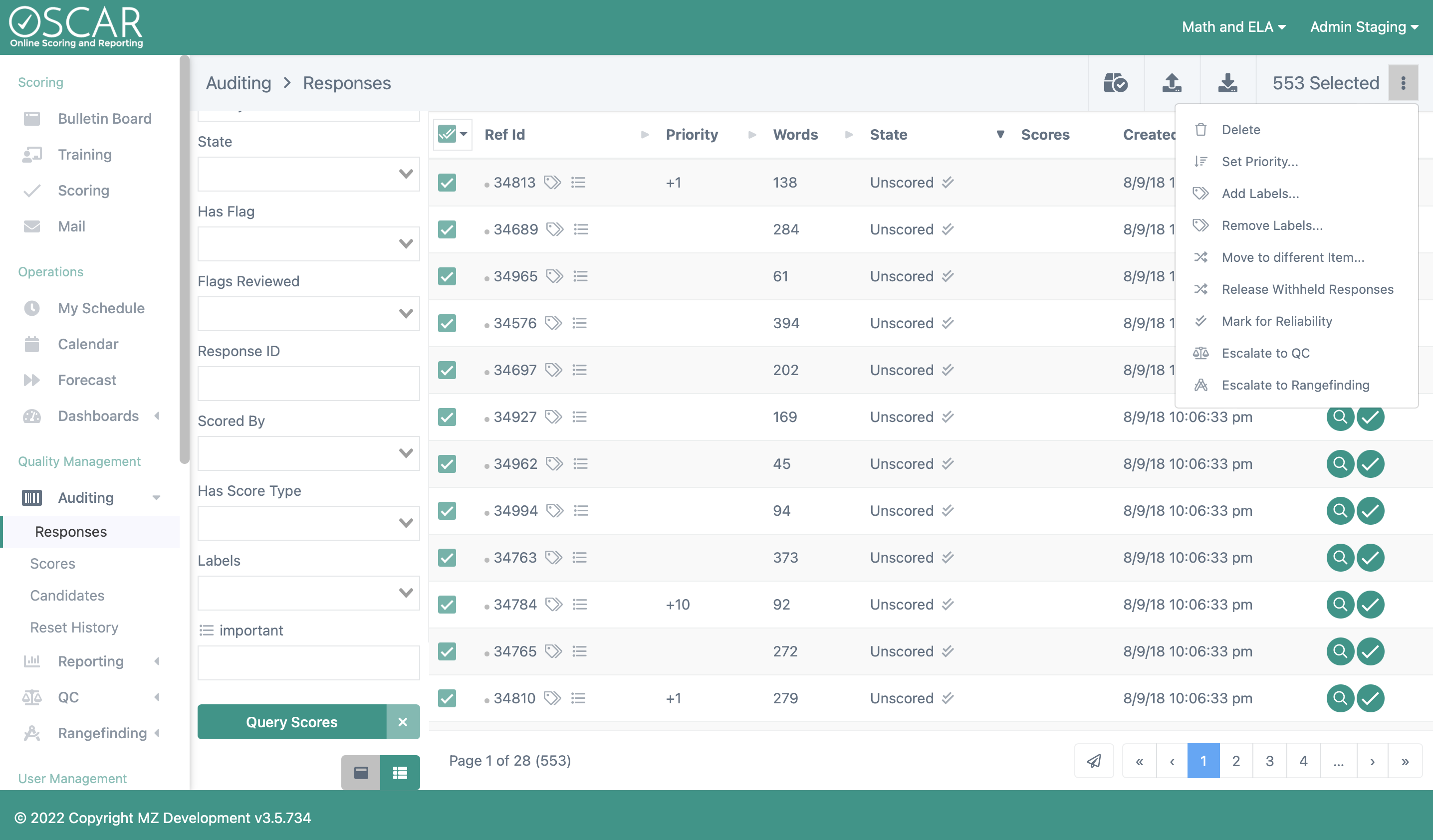
- Select the Actions button once responses have been selected.

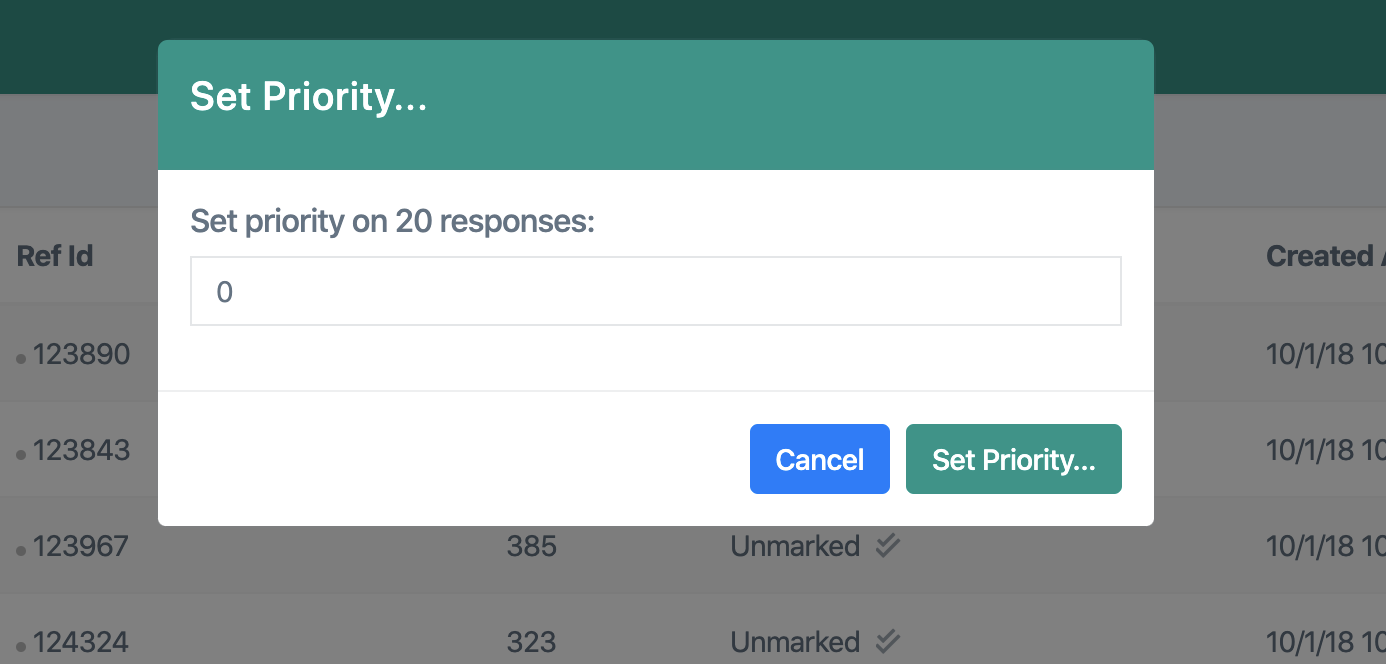
- Select the Set Priority.. option.
- Determine what the priority of the responses should be (99 is the highest priority meaning responses with a priority of 99 will be scored before responses with a priority of 98).
Tiny Link: https://support.assessment.pearson.com/x/cYG4D