
...
TestNav program files are saved in C:\Program Files (x86)\TestNav.
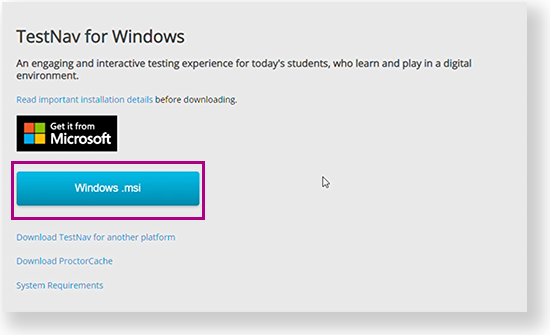
Go to the TestNav download page and click Windows.msi. You can also click the Microsoft Store button to download it from the store. See instructions below.
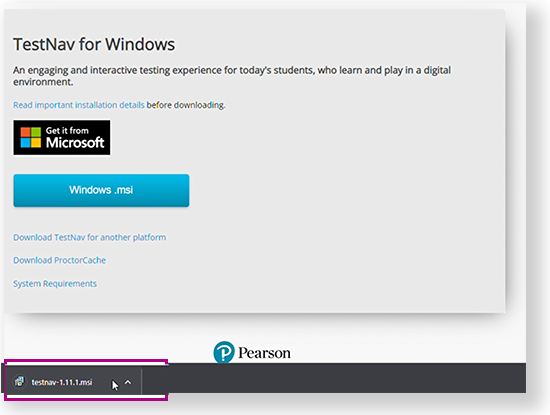
The file download appears at the bottom of the window as it installsdownloads.
- You might not see a notification when installation completes.
- Installation might complete without step 3, depending on your device.
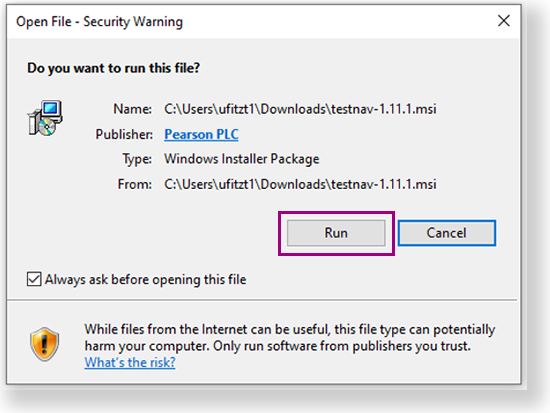
- If an Open File - Security Warning appears, click Run.
Depending on your organization, a prompt for higher-level access might appear. After TestNav is configured for your device, you can From the Start menu, click TestNav.
TestNav should appear in the Start menu. If you do not see TestNav, type TestNav in the search field to find it. A TestNav shortcut might also appear on your desktop or in the Start menu, as shown in the example below.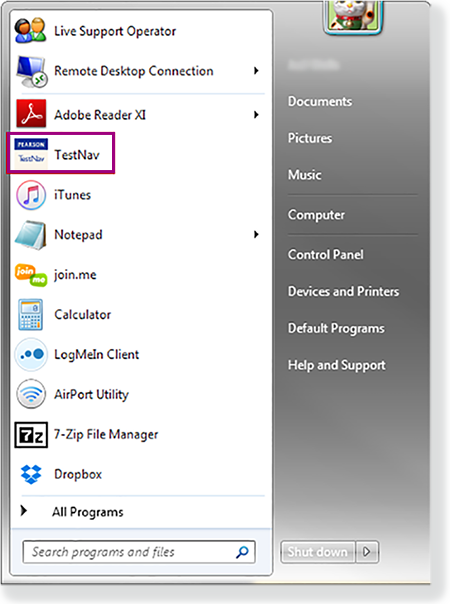
| UI Text Box | ||||
|---|---|---|---|---|
| ||||
|
...