
...
- Sign in to the Google Admin console for your domain, using your administrator account (does not end in @gmail.com).
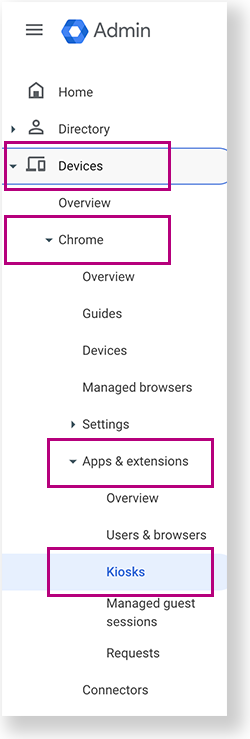
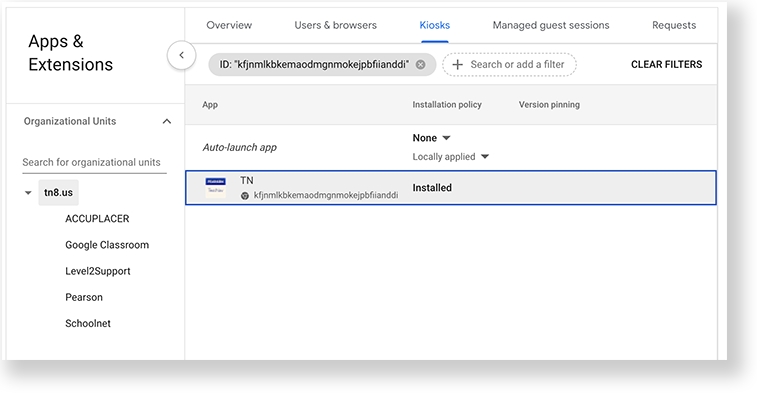
From the Google Admin console home page, go to Devices > Chrome >Apps & extensions >Kiosks.
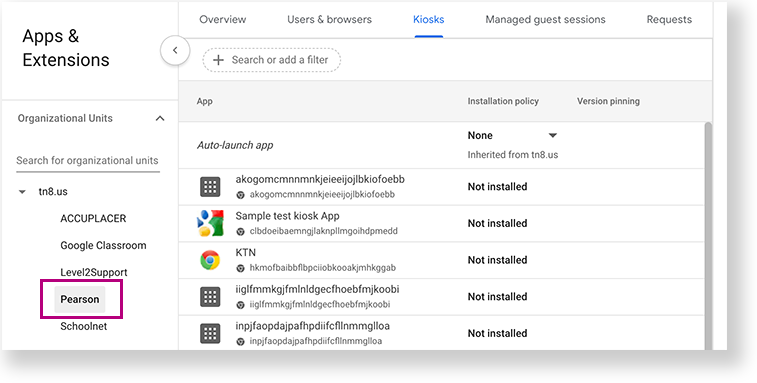
- Under Organizational Units, select the top-level organization that you want to apply these settings to. Then, select a child organization, if necessary. In the example below, Pearson is selected to give all Chromebooks within the Pearson organization access to TestNav.
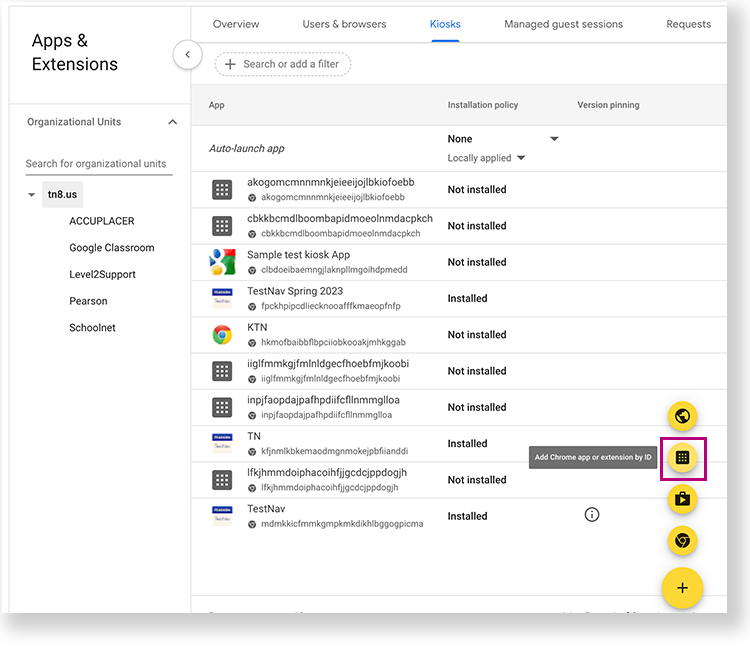
- Click the Add Chrome app or extension by ID icon.
- Copy and add paste the following ID into the Extension ID field: kfjnmlkbkemaodmgnmokejpbfiianddi
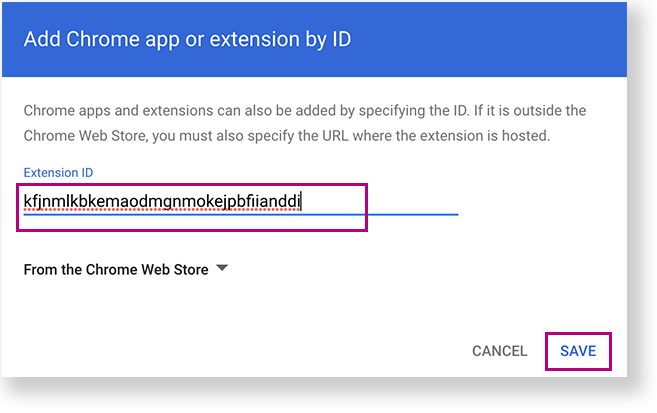
- Click Save. The TN app appears as Installed.
...