
...
- Select the ADAM icon on the TestNav home page. If your test was selected before the test session, you see Welcome the page, rather than the home page.
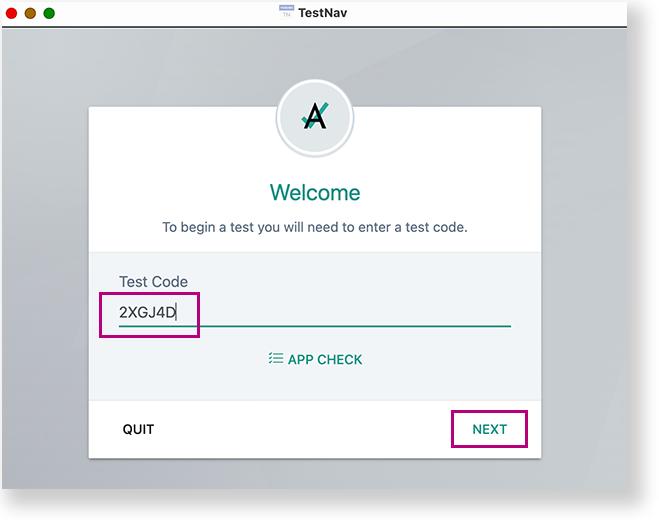
Include Page IR:_TN_graphic_installHome IR:_TN_graphic_installHome - Enter the Test Code, and then select Next.
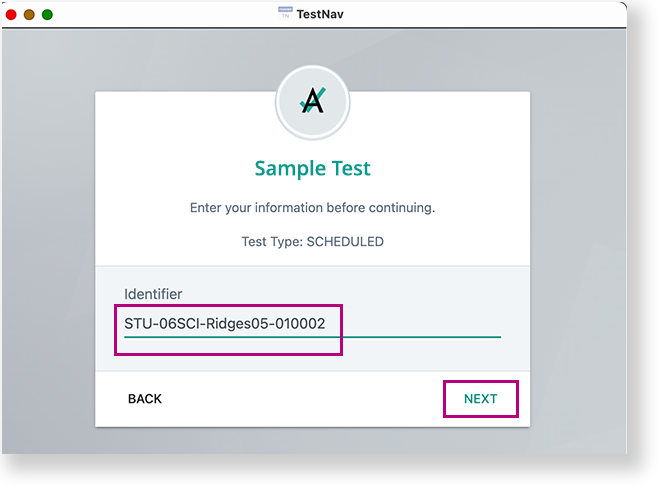
- Enter the student ID in the Identifier field, and select Next.
- Confirm the Test and your name, and select Next.
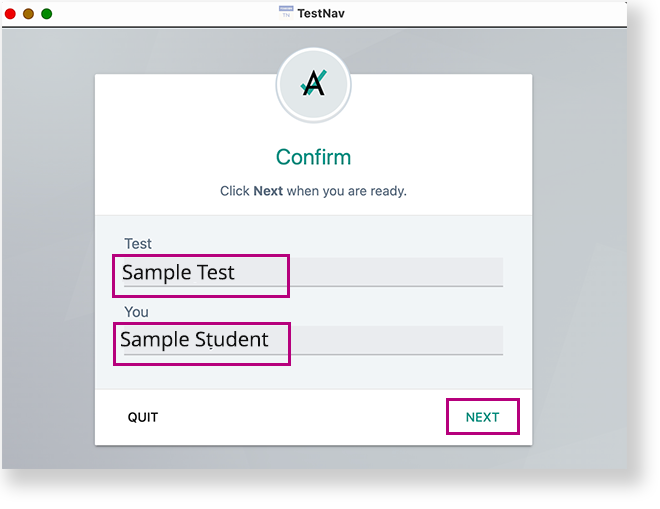
TestNav opens and the student can begin testing.
...
Tiny link: https://support.assessment.pearson.com/x/
...