- Open TestNav on the testing device.
- For demo purposes, select the Reference icon on the TestNav home page, if not already selected. Students will select ADAM in an actual test session.
| Include Page |
|---|
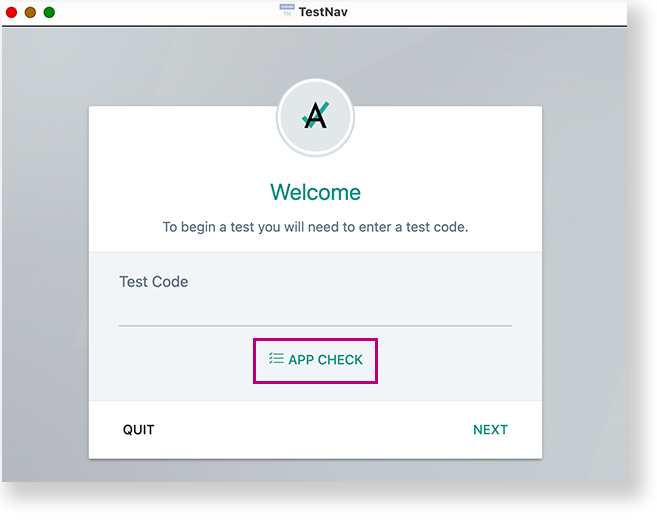
IR:_TN_graphic_installHome | IR:_TN_graphic_installHome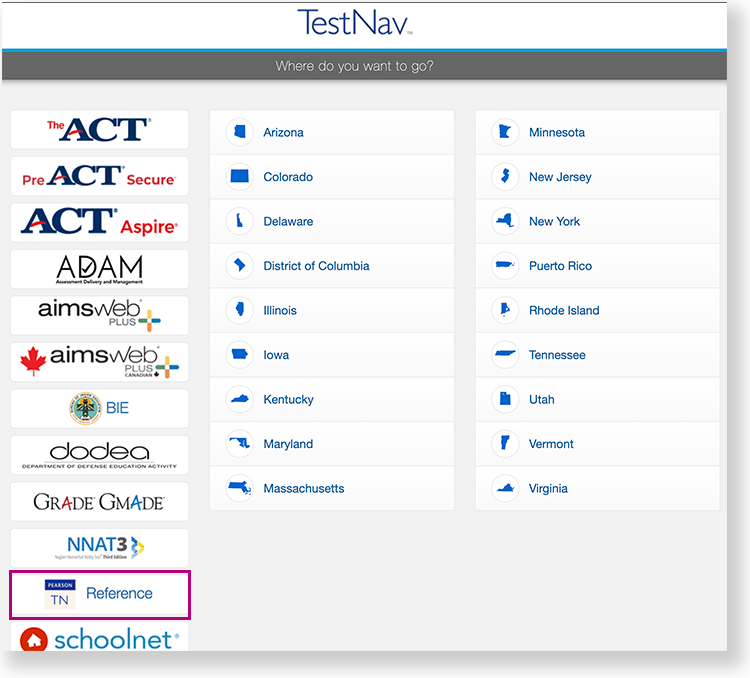 Image Added Image Added - Below the Test Code field, select App Check.
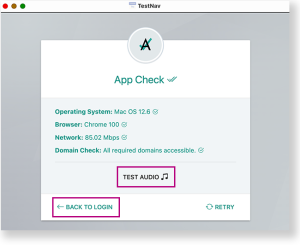
 - If the device passes all checks, green messaging appears, as shown in the example below.
- You can select the Test Audio button to ensure you can hear audio from the device.
- Then, you can select Back to Login to log in.
If a device does not pass App Check, follow instructions App Check provides to fix the issue or use a different device.
|
