ADAM Support

Page tree

Versions Compared

Key

  • This line was added.
  • This line was removed.
  • Formatting was changed.
Excerpt

Teachers who have access to My Classes can score open response items if the assessment is set up for this.  


...

Click My Classes in the left navigation 

  1. Select a class  
  2. Locate the column of the assessment to score and click the header (note that any assessments you

...

  1. created will be under the Classroom Tests tab instead of the detail District Test tab)
  2. In the upper-right corner, click the icon to apply scores; the number indicates how many students are ready to score

Image Modified

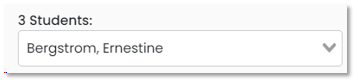
  1. Select a student if one not already selected

Image Modified

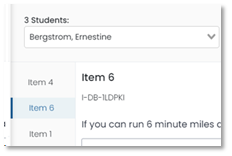
  1. The left column indicates the item(s) that need to be hand scored; you can select which one to score first or start with the one highlighted

Image Modified

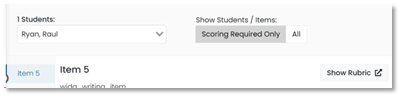
  1. If available, open and read the scoring rubric

Image Modified

  1. For the first student, apply a score for each trait (which may be just one generically labeled score option)

Image Modified

  1. Click Submit Scores at the top of the page
  2. Repeat for additional items and students 


...

Tiny link: