| Include Page | ||||
|---|---|---|---|---|
|
| Include Page | ||||
|---|---|---|---|---|
|
To confirm that changes have been applied, or to audit the details of changes such as which user made the changes, follow these steps:
- From Setup > Users, find and select the student whose record you want to audit.
- Select Create / Edit Users from the Tasks list and click Start.
From the information page displayed, select the student from the Users list.
Expand title Click here to view a screenshot... 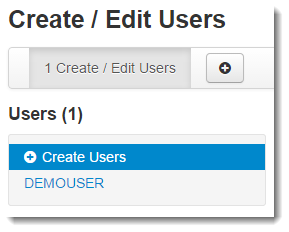
Select Show Audit Trail on the right side of the page.
Expand title Click here to view a screenshot...