
...
| Expand | ||
|---|---|---|
| ||
|
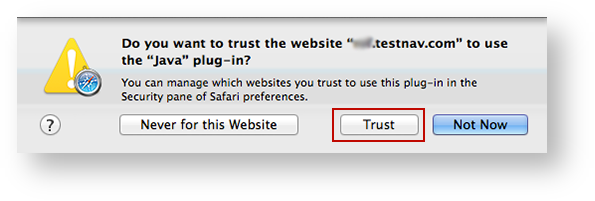
NEED CONSULT ON DESELECTING POP-UP BLOCKER below. Notes for reviewers - I have used Safari for a secure test without disabling pop-up blocker, and it works. The only error I've gotten is when I use it without running TestNav in unsafe mode. With running in unsafe mode, the test launches fine.
I know pop-ups are not related to unsafe mode, BUT because you cannot selectively block pop-ups in Safari, I am concerned about having admins unblock completely when it works for me. I've researched and asked around, but cannot get a clear answer from anyone. Any experts, please chime in. The instructions for enabling pop-ups are below for now.
To enable pop-up windows for TestNav:
- Click Safari > Preferences...
Click Security, and deselect the Block pop-up windows check box.
Expand title Click here to view a screenshot... 
...