Authorized users can export users. - Under Roster Data, click Usersselect Users.
- Select the Student, Non-Students or All Users tab.
- As desired, filter by status, grade, role and/or organization.
- In the Actions menu, choose from the following:
- Export Student Details (if applicable)
- Export Filtered Data
- Export All Data
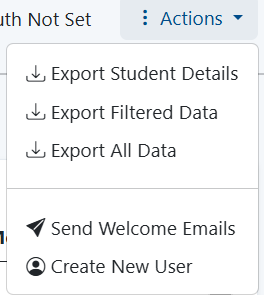 Image Removed Image Removed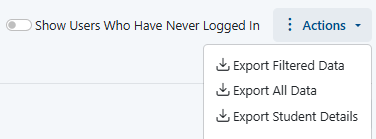 Image Added Image Added
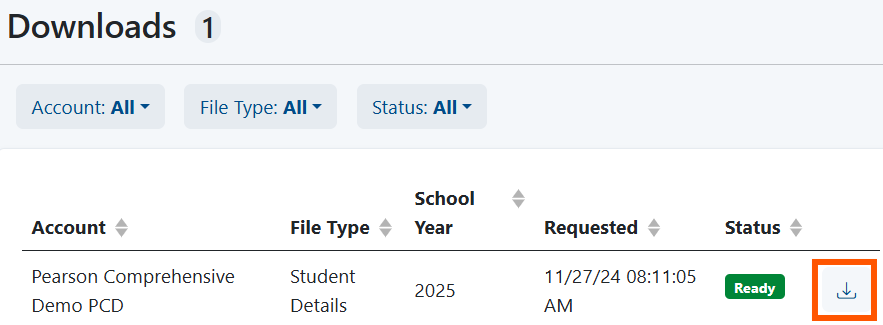
- Access the Downloads Page from either the confirmation message or the Download Downloads link.
 Image Removed Image Removed
 Image Added Image Added

- Download the file.
| 