Page tree

Versions Compared

Key

  • This line was added.
  • This line was removed.
  • Formatting was changed.

Livesearch
spaceKeyPAsup
placeholderEnter your search criteria.

Manage Messages

You can create and post messages related to your programs on the homepage. You can indicate message priority and duration for these messages.

Expand
titleMessage categories...
  • Urgent - Critical. Requires immediate attention.
  • Important - Significant information. Should be read, but not critical.
  • Informational - General communication related to your program.


Step-by-Step 

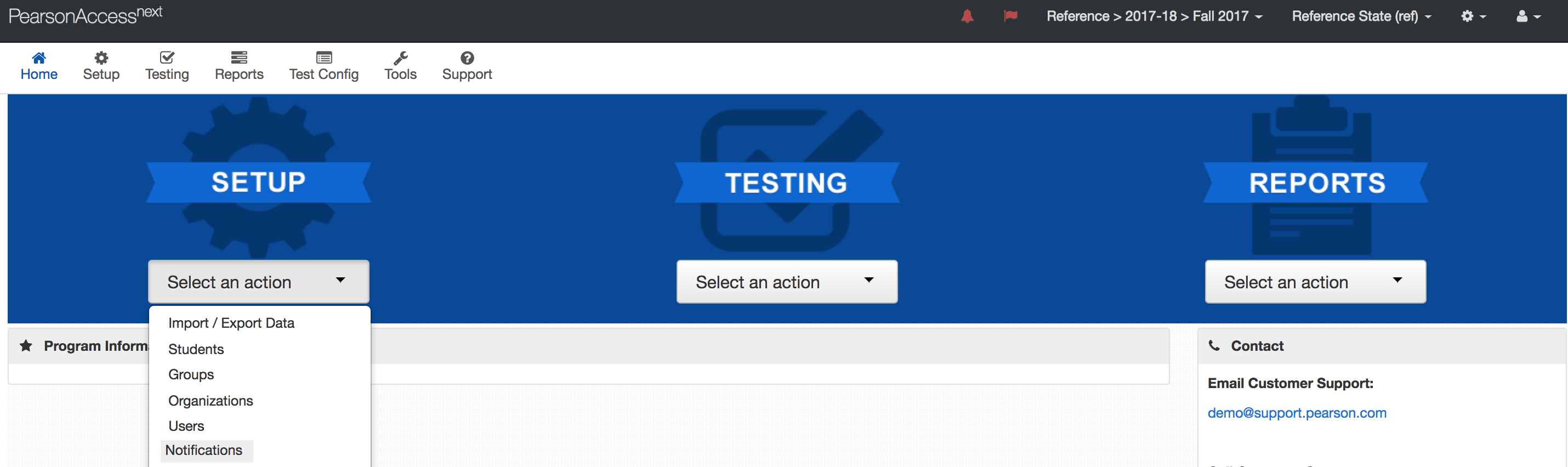
  1. From Setup,select Notifications.


  2. Click Create.


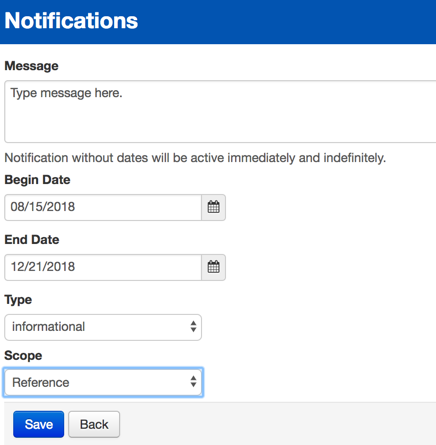
  3. Type/select the details.


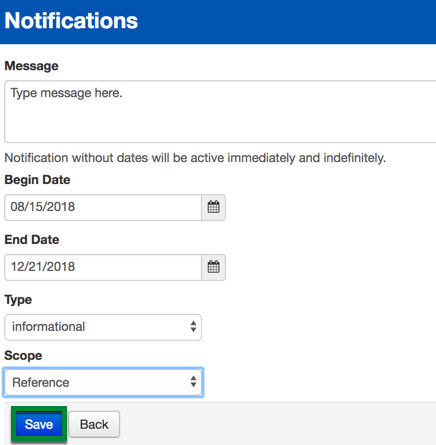
  4. Click Save.


Effects

Expand
titleMessage displays immediately, or by designated start/end dates...

If you do not specify a start and end date, the message immediately displays and remains until someone deletes it. However, you can specify these dates.


What's Next? (Optional)

Expand
titleYou can delete an existing message before the specified end date...
  1. From Setup,select Notifications.


  2. View the list of posted messages.


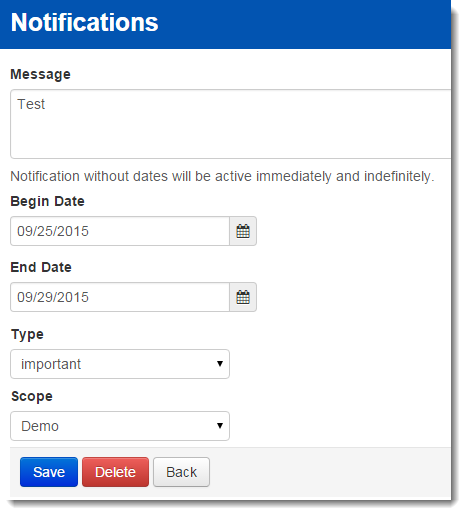
  3. To delete a message, click Edit.


  4. Click Delete.