
...
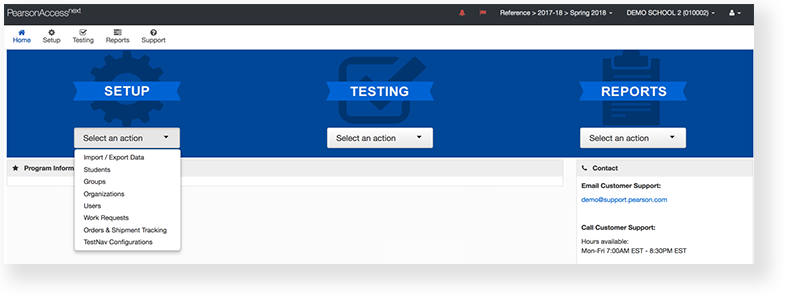
- From Setup, go to Organizations.

Type an organization into the search field, and click Search.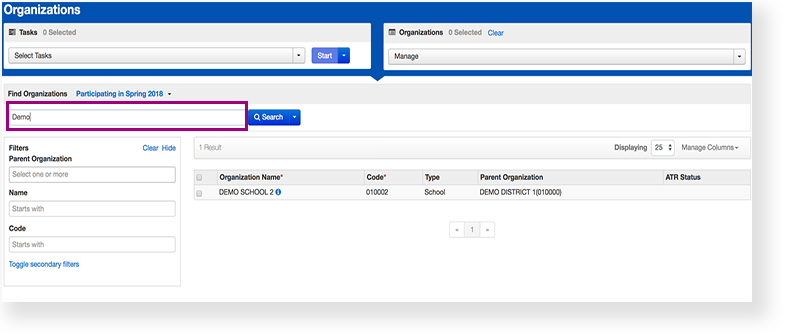
Click the checkbox next to an organization.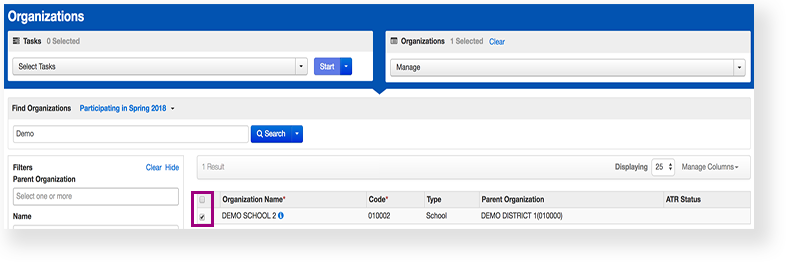
Click Select Tasks, click Edit Enrollment Counts, and click Start.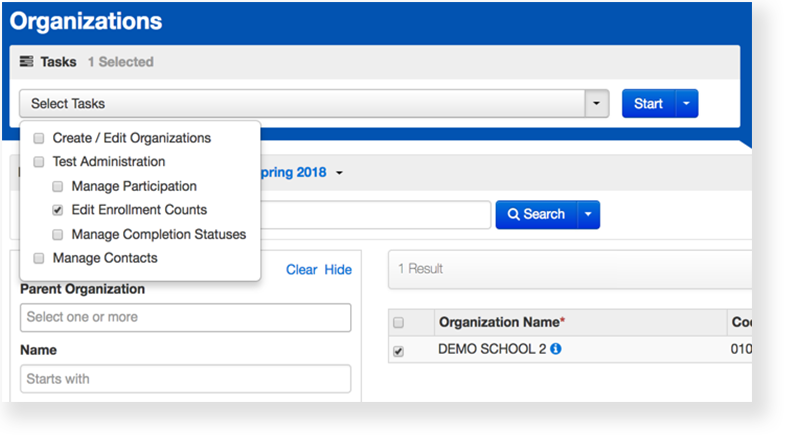
Click the + to expand the available materials.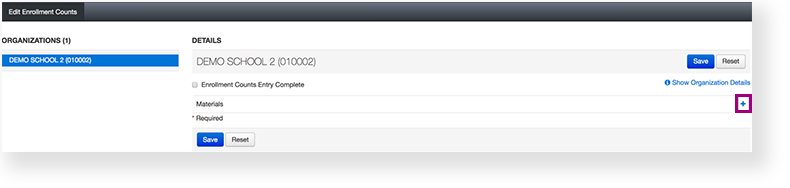
Click the arrows to adjust the amount of materials in each box.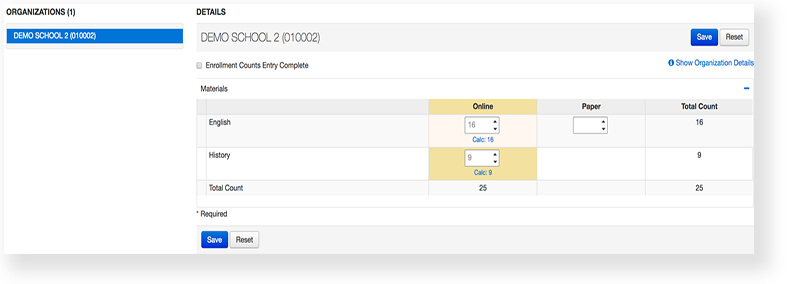
Click Save.
...
Effects
...