
...
You can manage a student test to review and/or update testing details. The details available to update vary on your program's requirements, but can include accommodations, choosing to not allow the test to be reported on, or enabling proctor read aloud.
 Information displayed on the Manage Student Tests page varies by test type.
...
...
...
Step-by-Step
...
| type | info |
|---|
...
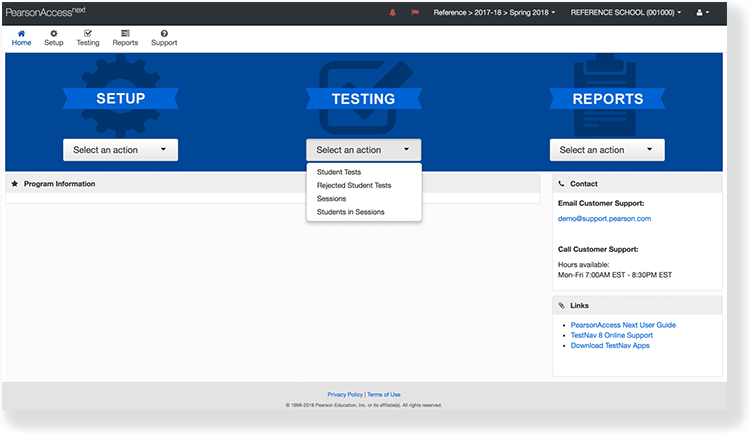
From Testing, select Students in Sessions.
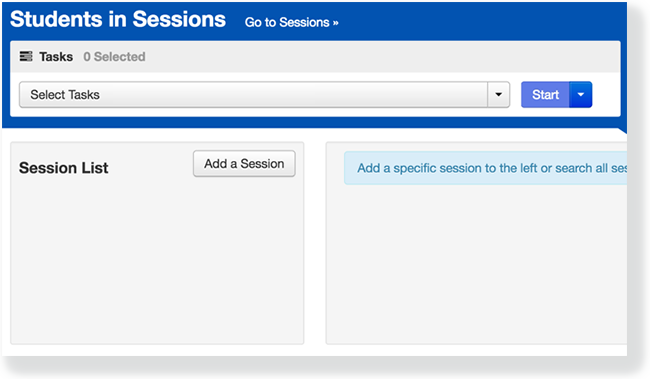
Click Add a Session. Type a session into the search field, and select the session.
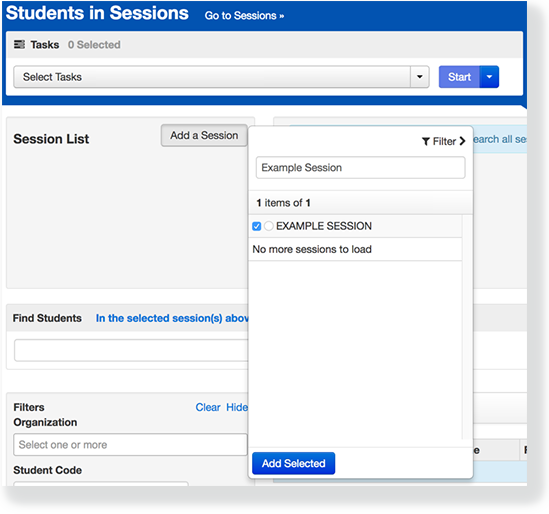
Click Add Selected.
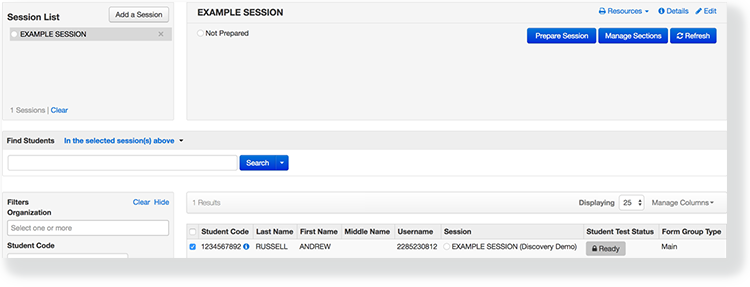
Select the checkbox next to the student test.
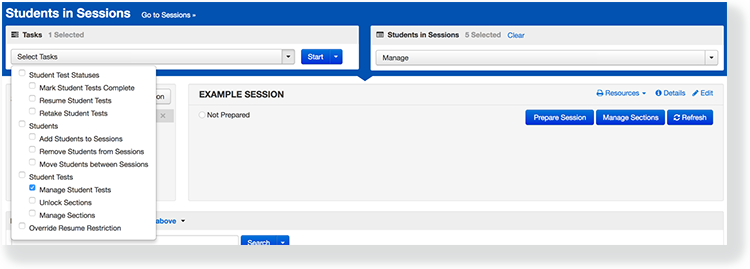
Click Select Task, select Manage Student Tests, and click Start.
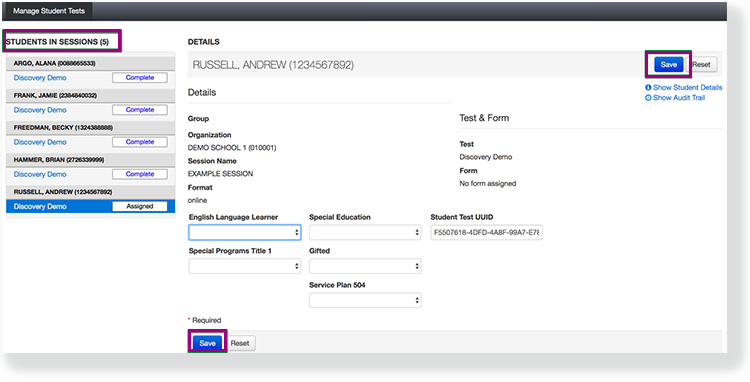
Select a student test under Students in Sessions to view and add test details. Click Save.
...
Effects
If
...
you select Do Not Report, you invalidate the student test so the test is not scored or used for reporting purposes.
...