Step-by-Step
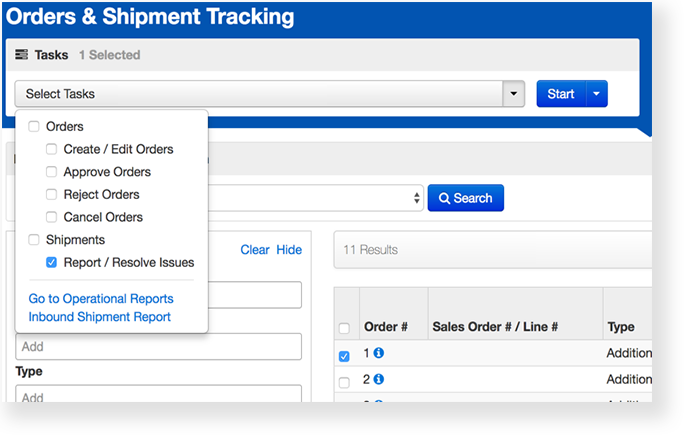
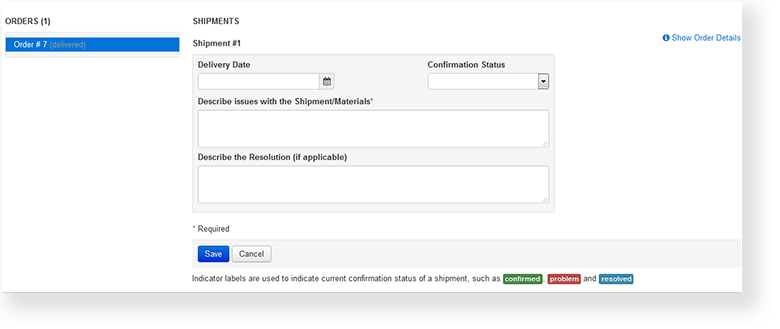
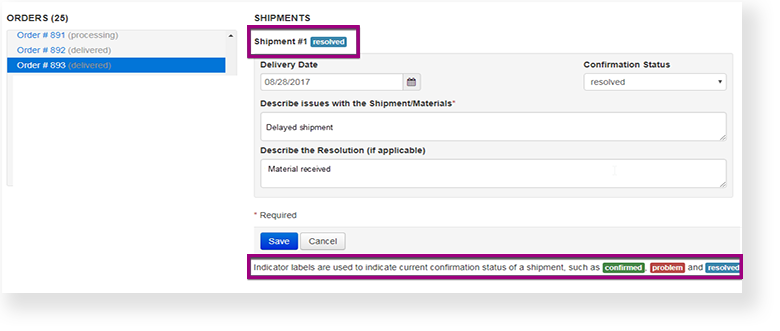
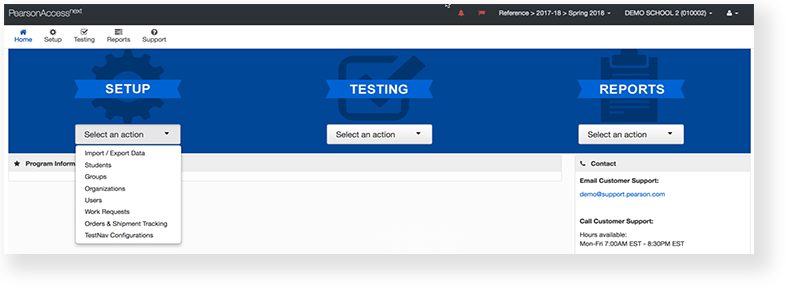
From Setup, go to Orders & Shipment Tracking.

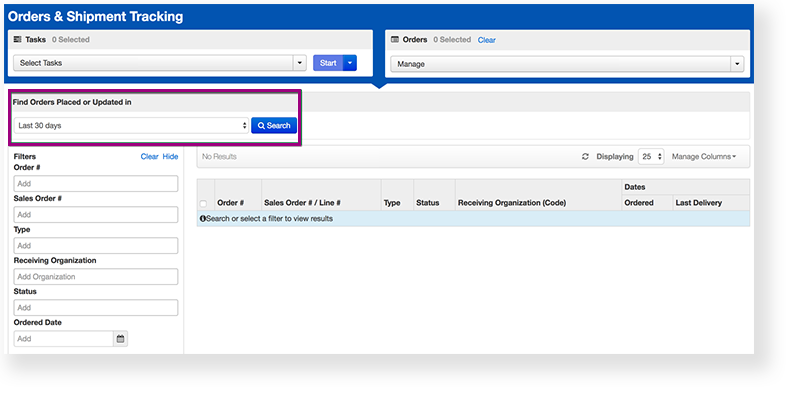
Under Find Orders Placed and Updated in, select a period of time during which reports occurred, and click Search.
Click the checkbox next to the order.
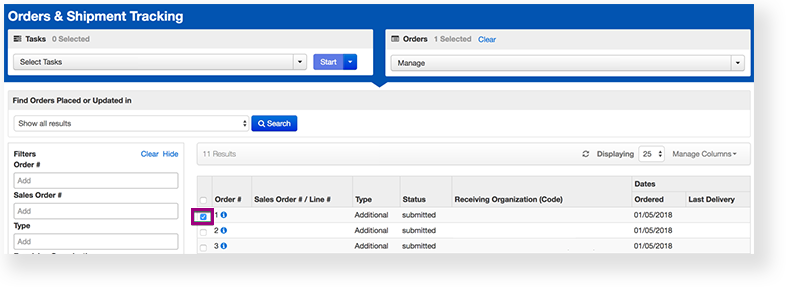
Click the information icon
 next to the order number.
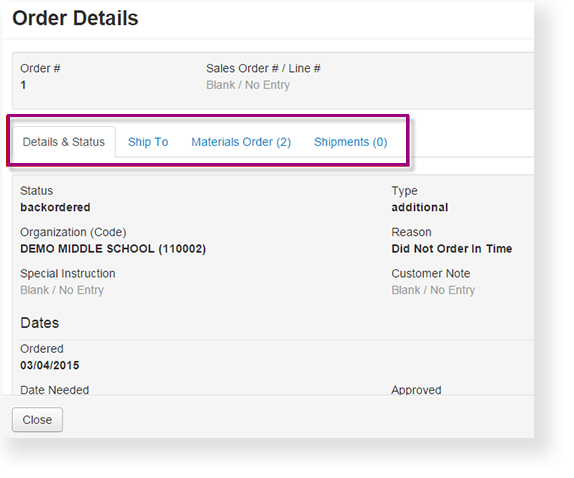
To view order details, click one of the available tabs.
Effects
| Expand | ||
|---|---|---|
| ||
From Reports, select Operational Reports > Orders & Shipment Tracking. |
| Expand | ||
|---|---|---|
| ||
Click the information icon |