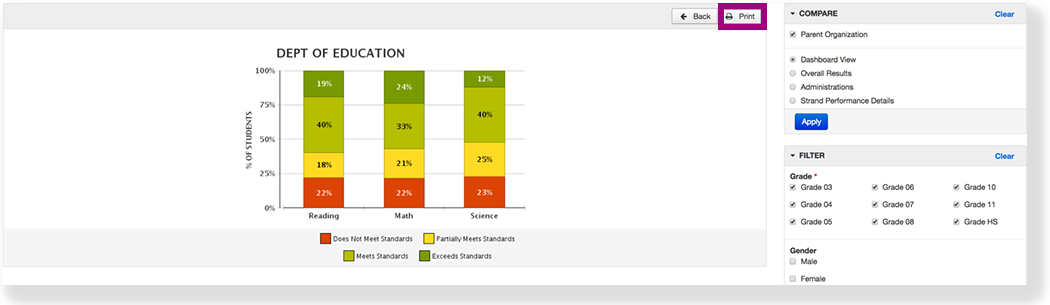
Feature availability varies by program.
You can view longitudinal reports to compare assessment results and details for student groups across administrations and organizations. These reports provide a way for authorized users to apply filters to compare summary and detailed data.
Available data varies by user role and permissions.
Step-by-Step
- From Reports, select Longitudinal Reports.
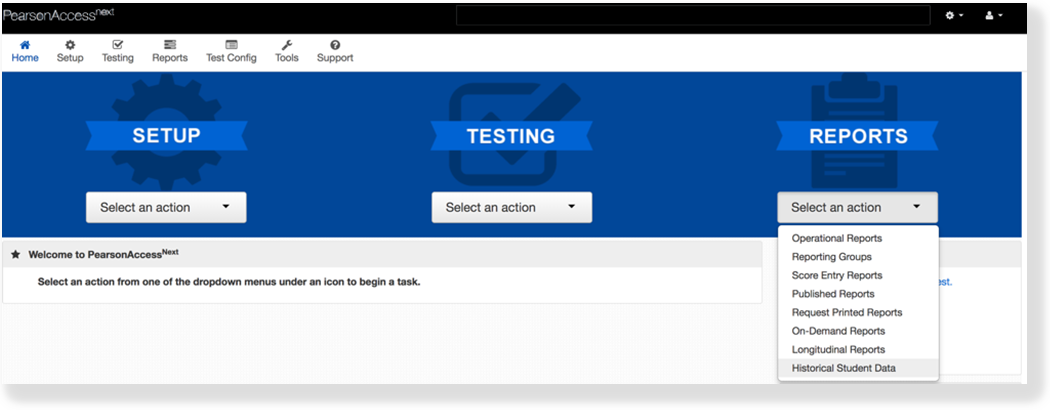
The highest-level organization to which you have can access displaysappears.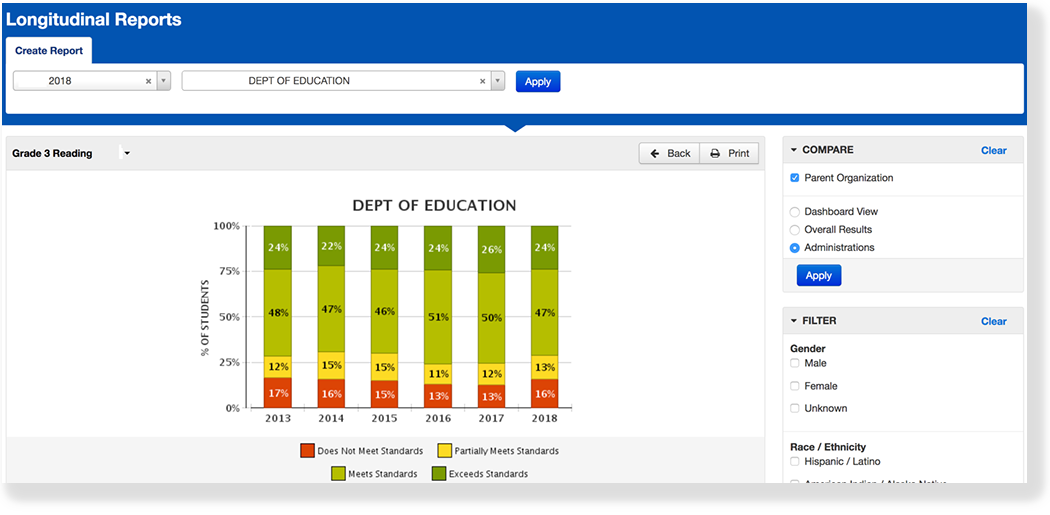
- Select an organization(s) from the dropdown, and click Apply.
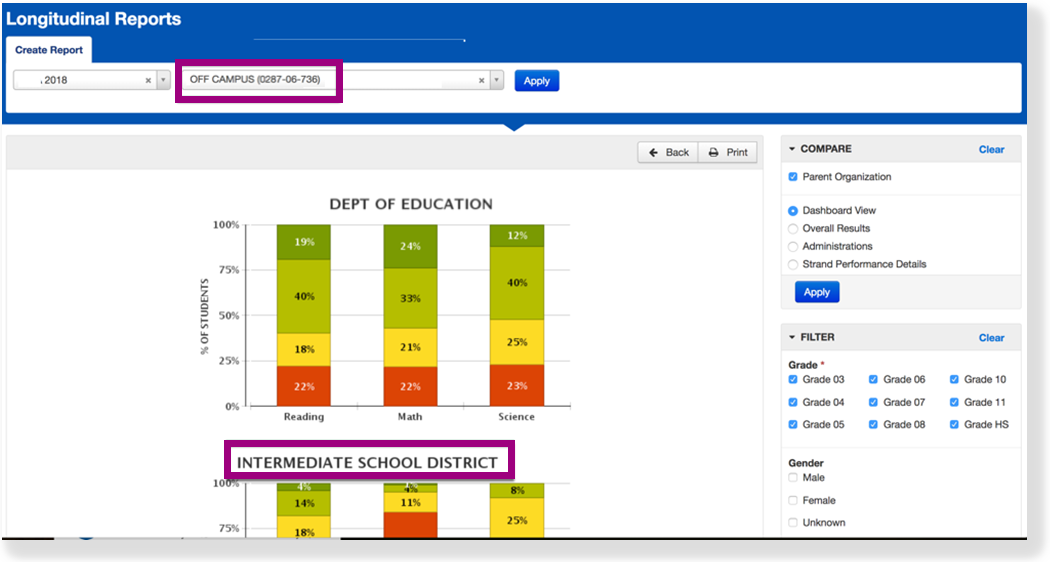
- To remove an organization, click the X.
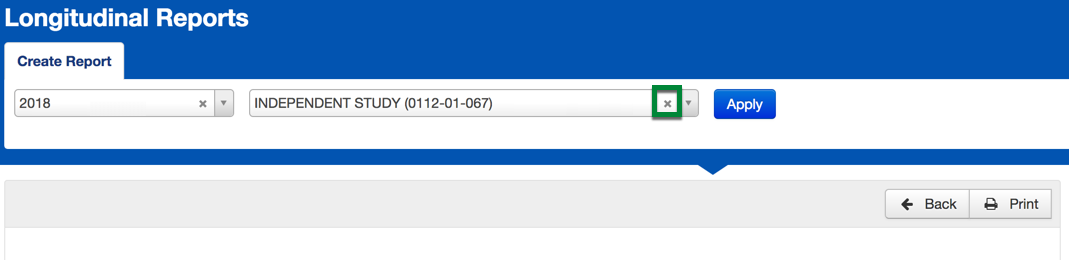
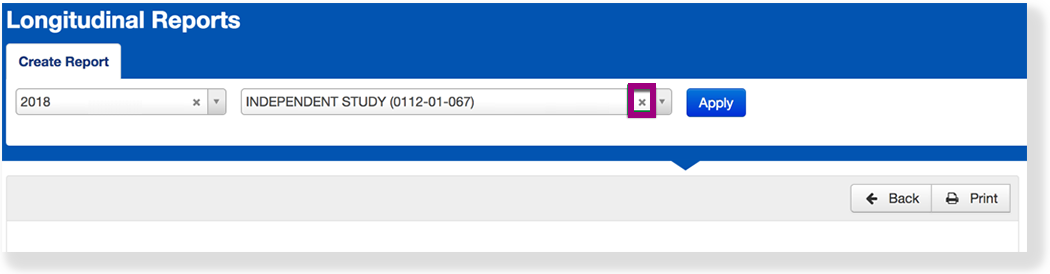
- To remove an organization, click the X.
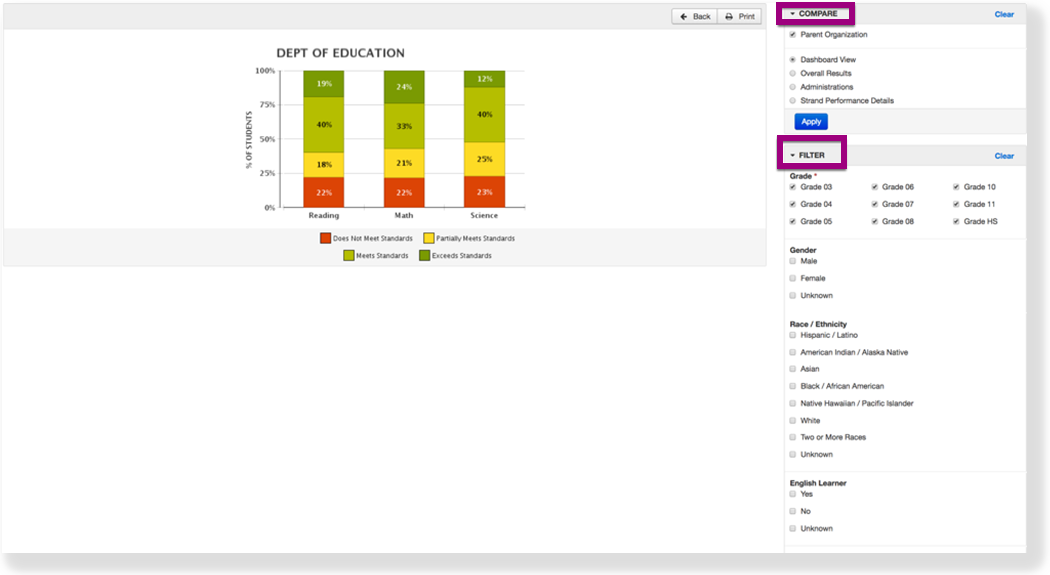
- Select a filter(s) to limit data available.
- Click the information icon next to a student name to drill down to more in depth analysis of how the student achieved the scores.
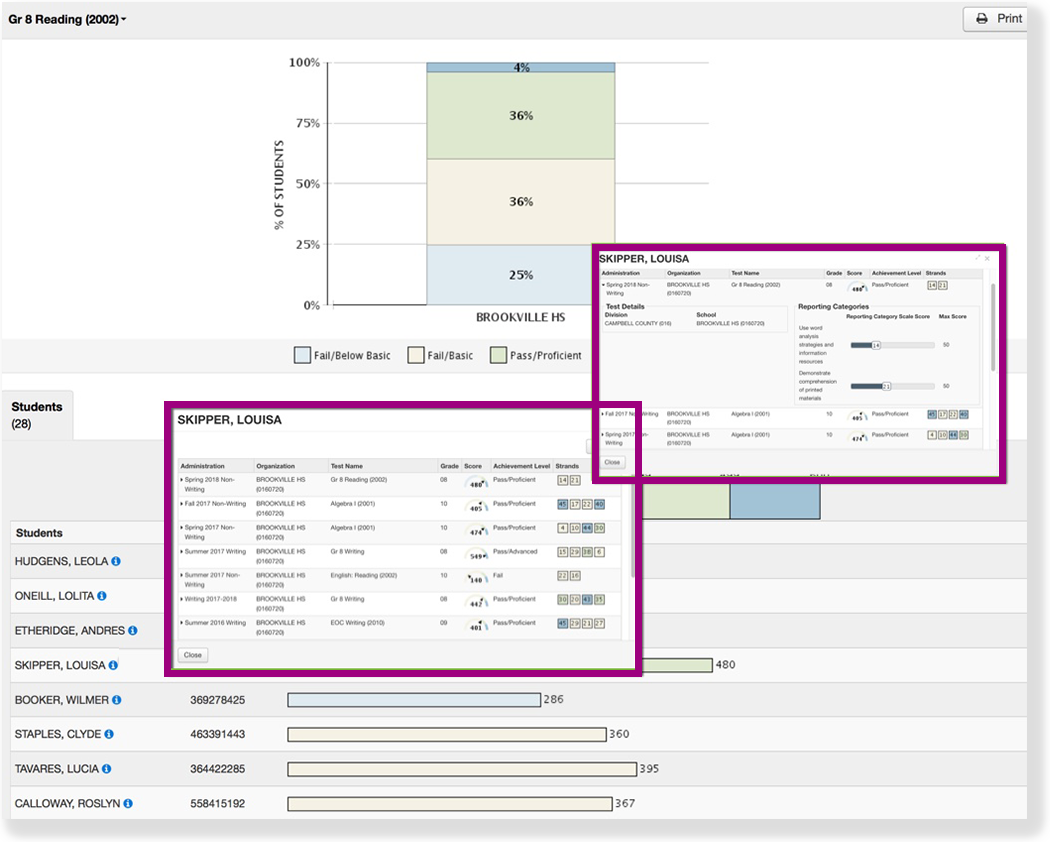
- Click Print to download a PDF version of the reports. The PDFs display the filters selected and include only filtered data.