
...
You can import and export TestNav configurations to easily set up configurations in the system.
...
...
Step-by-Step
...
| size | medium |
|---|
...
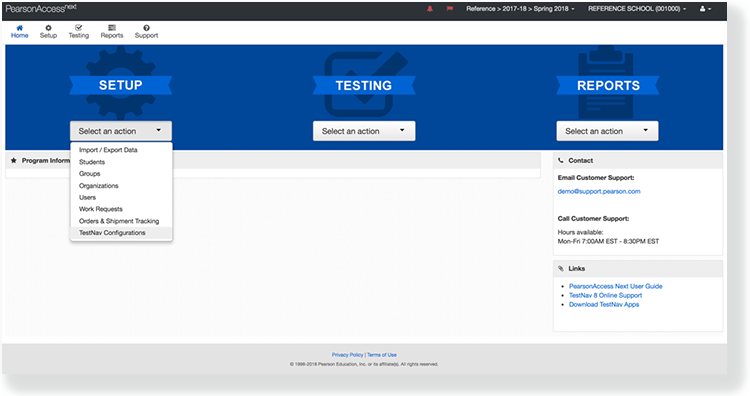
From Setup, select TestNav Configurations.
...
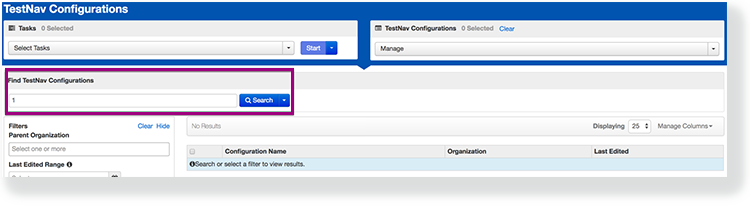
Type a configuration name into the search field, and click Search.
...
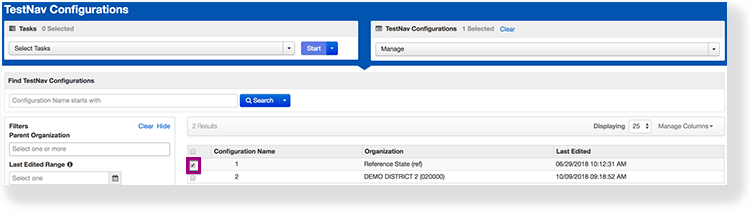
Click the checkbox next to the configuration.
...
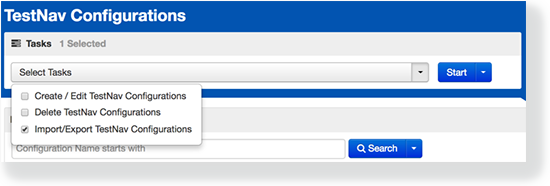
Click Select Tasks, select Import / Export TestNav Configurations, and click Start.
...
Click the Action dropdown, and select Import or Export.
...
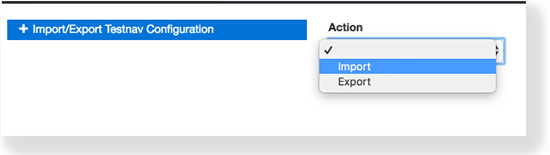
Click Import or Export, as appropriate.
...
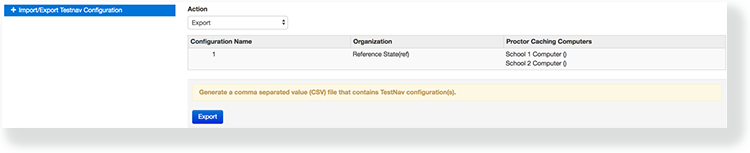
To avoid a possible timeout, Pearson recommends that you do not import/export over 300 TestNav configurations at a time.
...