
...
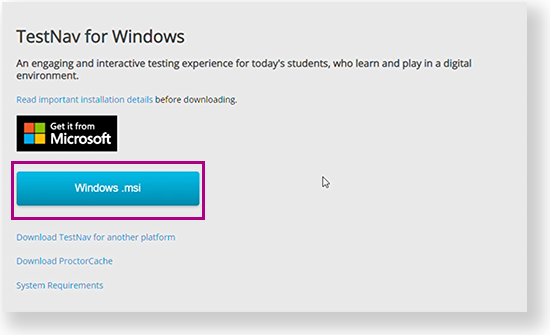
Go to the TestNav download page and click Windows.msi. You can also click the Microsoft Store button to download it from the store. See instructions below.
The file download appears at the bottom of the window as it installs.
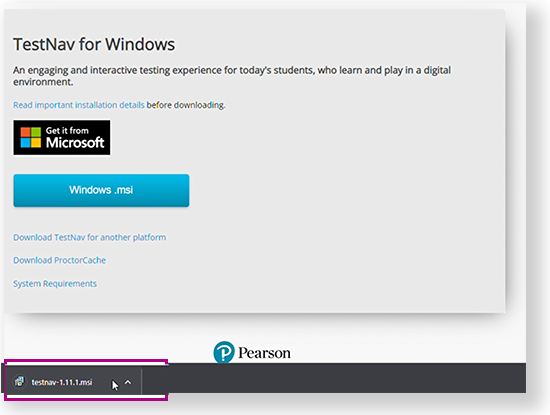
- You might not see a notification when installation completes.
From the Start menu, click TestNav.
TestNav should appear in the Start menu. If you do not see TestNav, type TestNav in the search boxfield.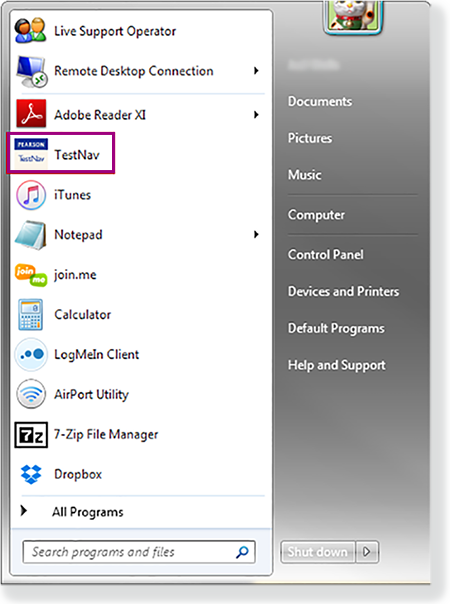
| UI Text Box | ||||
|---|---|---|---|---|
| ||||
|
...