
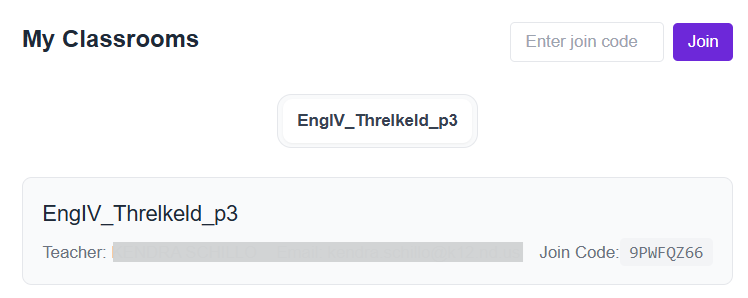
Once signed in to WriteUp!, students join a class by entering a code provided by the teacher. They can then select a prompt.
- Once signed into WriteUp!, the student enters the code provided by the teacher and selects Join.

- The class is displayed in the My Classrooms section.
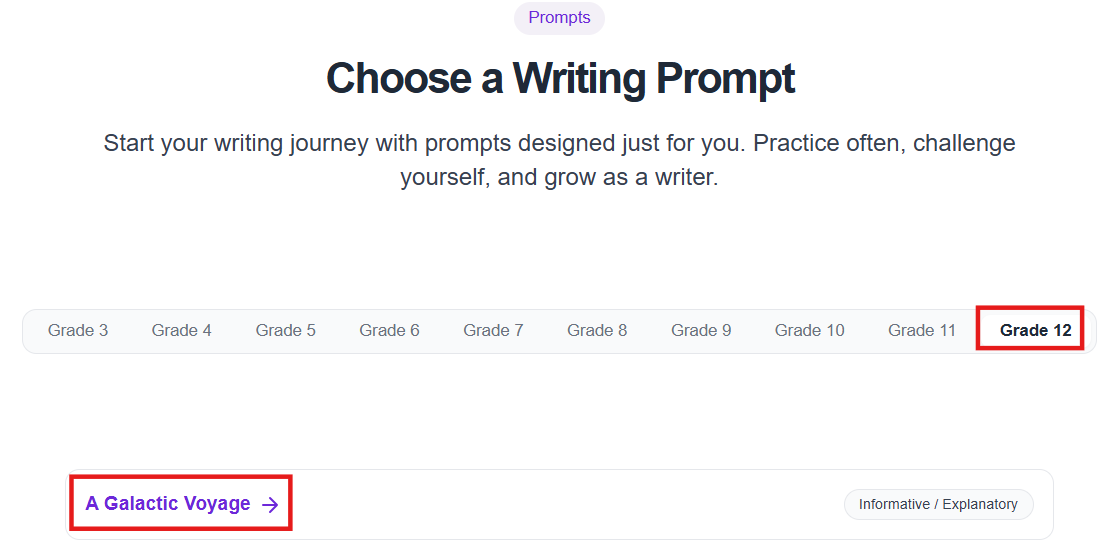
- As directed by their teachers, student can select from the grades available to them and choose a prompt. (Availability of grades and prompts may vary.)
...
Tiny Link: : https://support.assessment.pearson.com/x/TIDND