
 Feature availability varies by program.
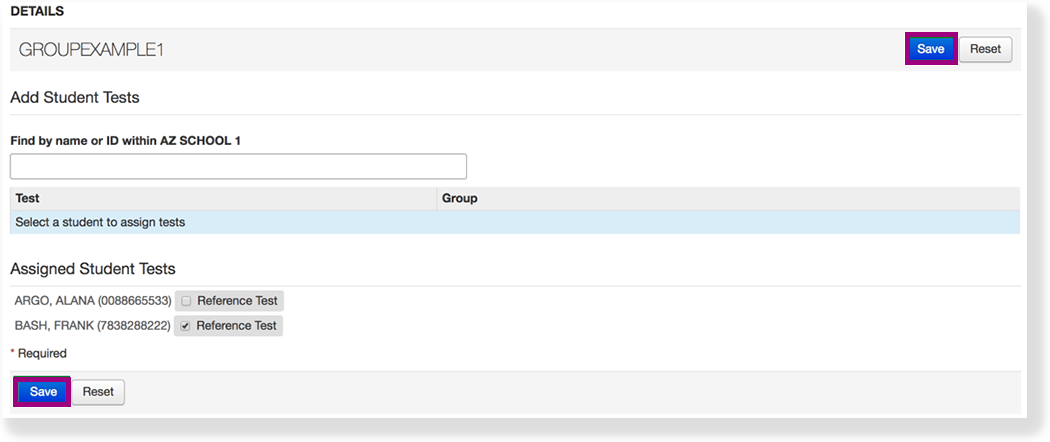
You can remove student tests from a group to delete test data for completed administrations.
| UI Text Box | ||
|---|---|---|
| ||
PrerequisitesBefore you can remove a student test from a group, |
Step-by-Step
| size | medium |
|---|

 to view image)
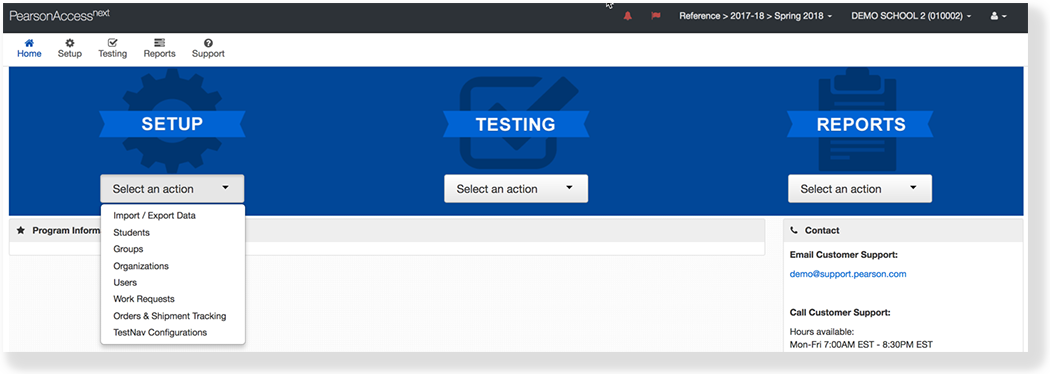
 From Setup, select Groups.

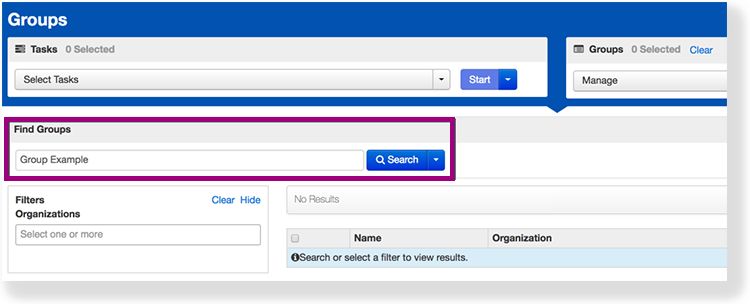
Type a group name into the search field, and click Search.

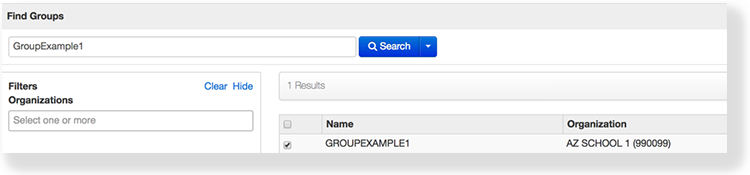
Click the checkbox next to the group to edit.

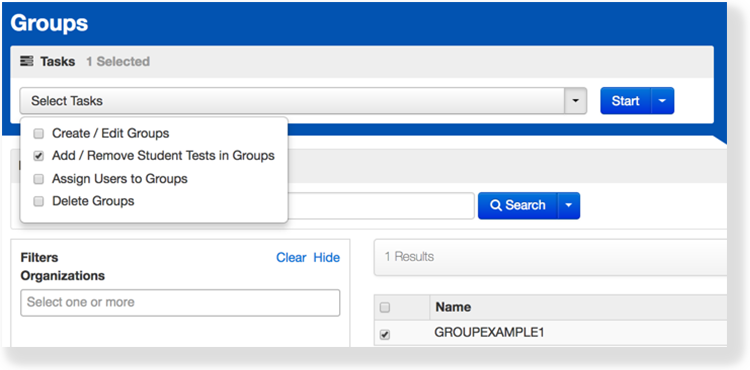
Click Select
Tasks, select Add / Remove Student Tests in Groups, and click Start.

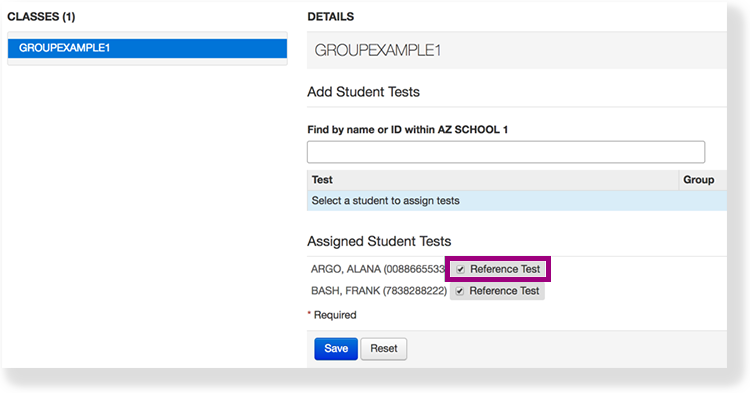
Click the checkbox next to the student test under Assigned Student Tests.

Click Save.

| type | info |
|---|
Effects
After you remove all student tests from a group, you or an authorized user can delete the group.
Back to the top