
| Excerpt |
|---|
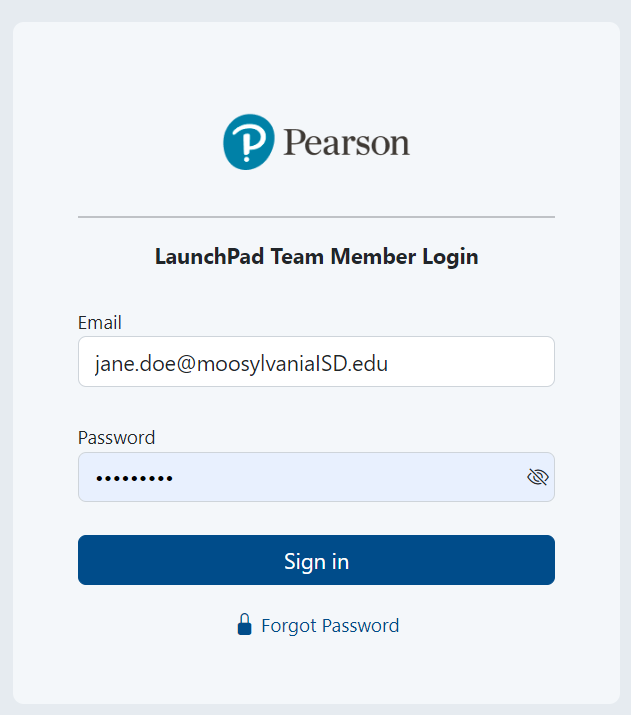
A limited number of Pearson users who manage data have access to the Team Member area of LaunchPad where they can configure settings and investigate data questions. To sign in as a LaunchPad administrator:
|
...
Tiny Link:  : https://support.assessment.pearson.com/x/7AE-CQ