LaunchPad

Page tree

Versions Compared

Key

  • This line was added.
  • This line was removed.
  • Formatting was changed.
Excerpt

With a print QR code and a camera on their device, students can authenticate to LaunchPad.

Student process to sign in:

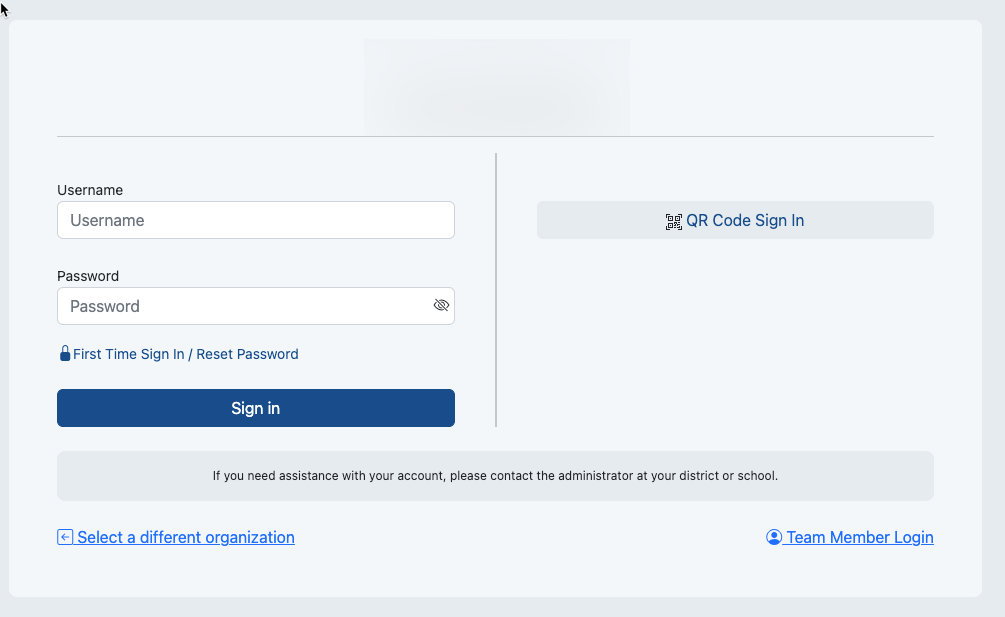
  1. Navigate to https://launchpad.pearson.com/
  2. Select your organization if not already selected.

Student Experience Using QR Code

  1. Navigate to xxx
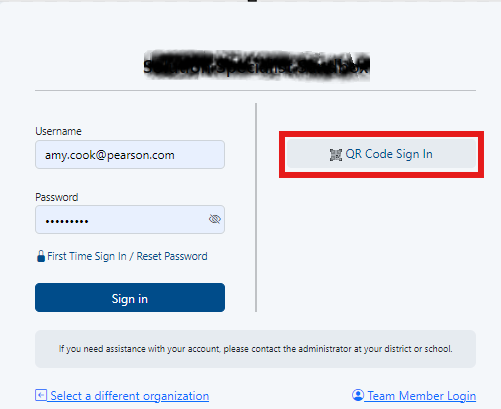
  2. Click Select QR Code Sign In.
    image-2024-9-17_13-59-23-2.pngImage Removed You may receive a popup from your computer asking for permission to enable your camera; select Allow.
    Login page with QR option highlightedImage Added

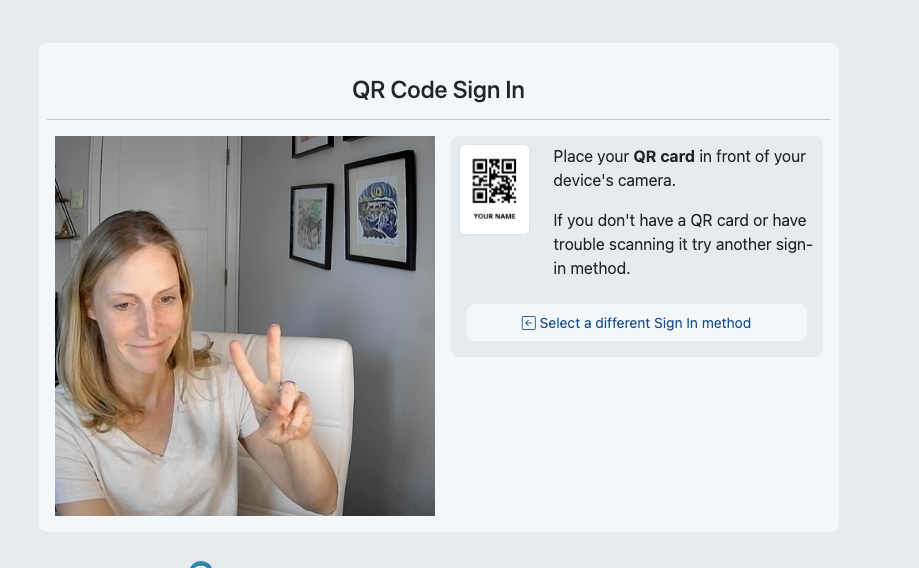
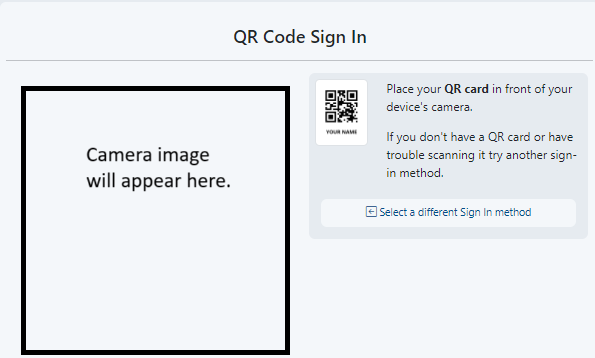
  3. Hold up their the printed QR code to the camera, and it would read it in order to connect them with a student record and log them in.

Image RemovedQR code instructionsImage Added

...

Tiny Link:   https://support.assessment.pearson.com/x/gYCbCQ