WriteUp!

Page tree

Versions Compared

Key

  • This line was added.
  • This line was removed.
  • Formatting was changed.

...

  1. Once signed into WriteUp!, the student enters the code provided by the teacher and selects Join.

    Field to enter join codeImage Modified

  2. The class is displayed in the My Classrooms section.
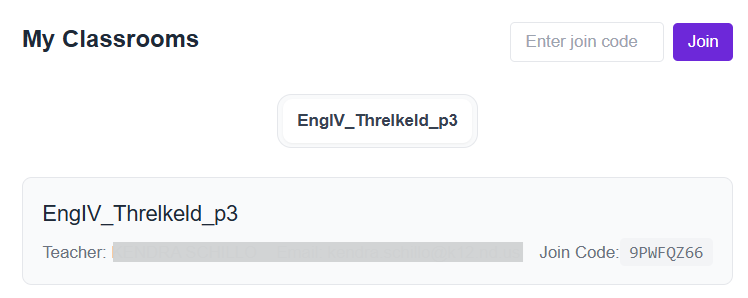
    My Classroom page with one class that shows a join codeImage Modified

  3. As directed by their teachers, student can select from the grades available to them and choose a prompt. (Availability of grades and prompts may vary.)
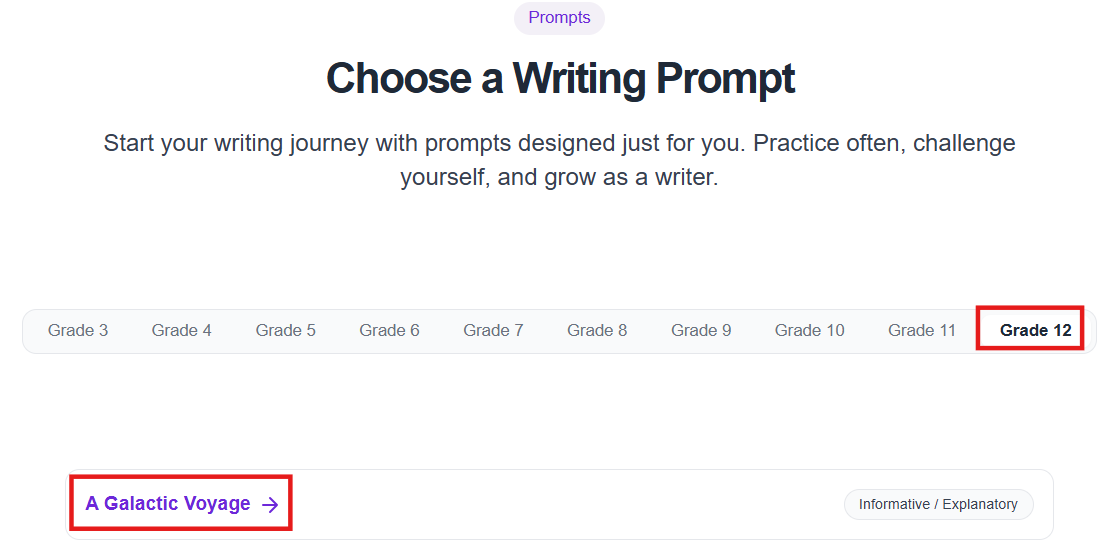
Choose a writing prompt page showing grade and Image Modified


...

Tiny Link:   https://support.assessment.pearson.com/x/TIDND