
| Excerpt |
|---|
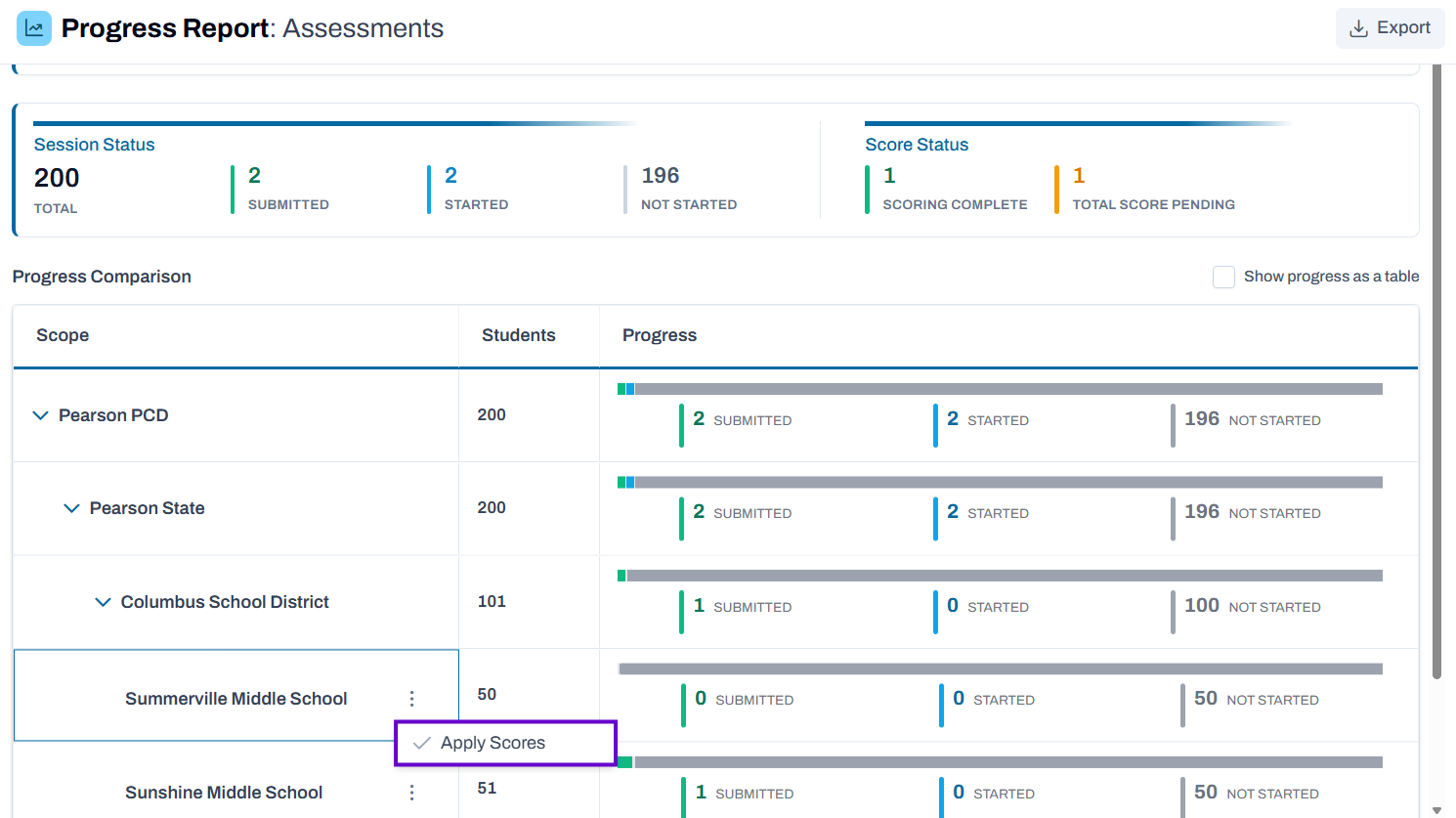
See also: Teacher Hand Scoring In some cases, educators who aren't the primary teacher of students will score their tests. If the test is configured to all non-teacher roles, those users will navigate through the progress report to access the scoring interface. The ability to score for non-teacher roles requires the scoring user to navigate through multiple organization levels to drill into a school level row in the progress report, and then to click select the Actions menu to access the the Apply Scores button. Once this button is clickedselected, the human scoring interface will be loaded with all students in that school that have responses that require human scoring. Classic User Interface: Updated User Interface:
|
...