
Include Page
- Added an account
- Reset password
- Password expiration notification
- Password expired
- Changed password confirmation
- Forgot username
The system indicates an email delivery failure when an email is returned to the system as undelivered.
Errors Notification
A A red flag appears at the top of a page indicates issues with the a page when an email delivery failure occurs.
| Expand | ||
|---|---|---|
| ||
View and Fix Errors
To view and fix errors, follow these steps:
...
Step-by-Step
Click Click the flag to reveal a list, and select Email Delivery Failures to go to Setup >UsersFailures.
Expand title Click here to view a screenshot... 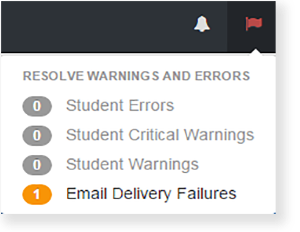
Alternatively, from Setup >Users, you can , select Users. To find users with email failures. Select , select Only Users With Email Failures under Toggle secondary filters.Expand title Click here to view a screenshotView details... 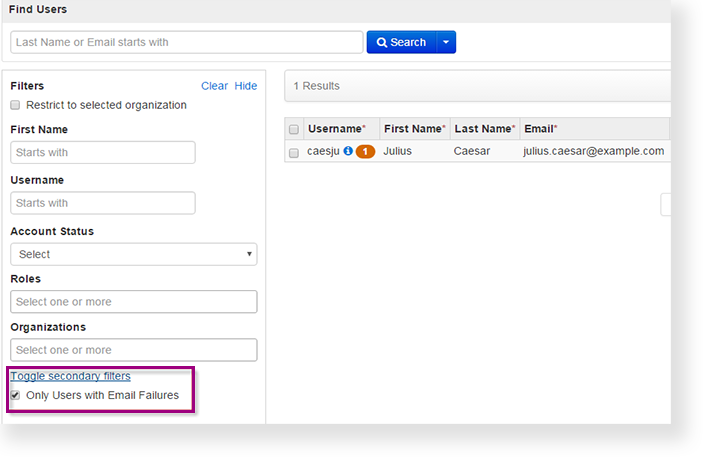
2. Review the user accounts and make updates.
3. Click Save.