
...
 Feature availability varies by program.
You can override a form to change a student's form assignment.
By default, the system randomly assigns forms to students. This feature allows you to assign a specific form to a student.
...
...
| type | note |
|---|
...
Prerequisites
Before you can change a student's form assignment, the system must have:
- Previously assigned the student a form.
- More than one test form available for the selected test.
- The student test in Ready status.
...
Step-by-Step
...
| size | medium |
|---|
...
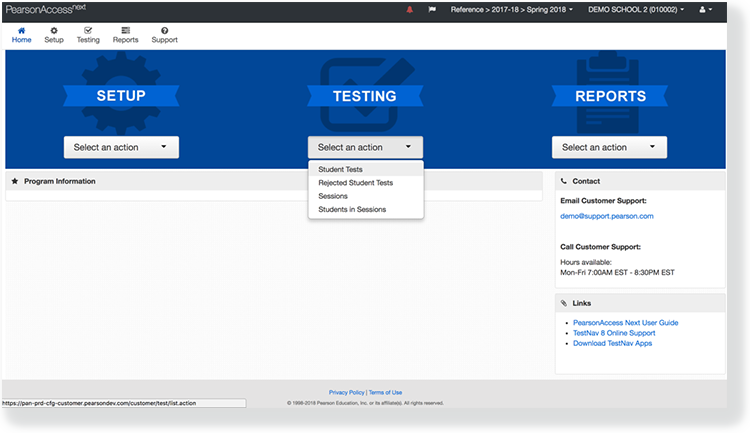
From Testing, go to Students in Sessions.
...
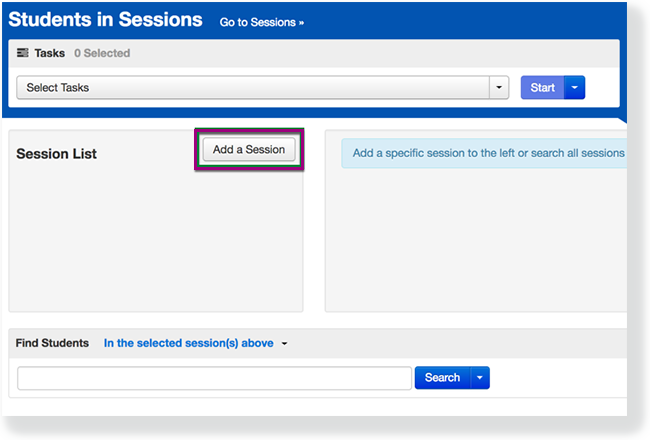
- Click Add a Session.
...
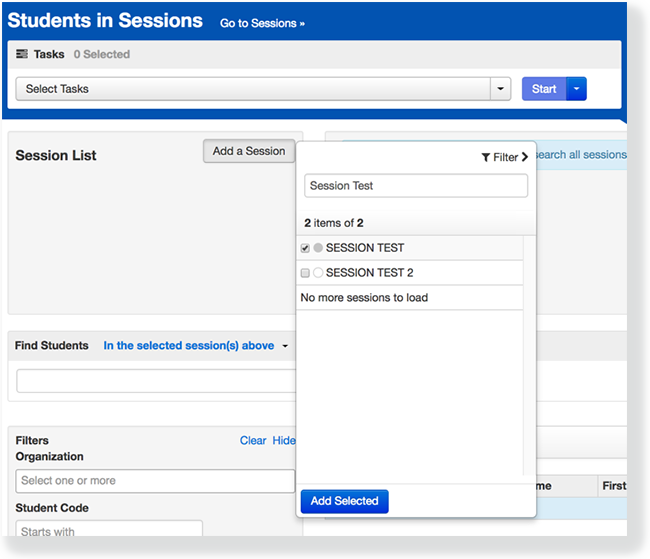
- Type the session name into the search field, and click the checkbox next to the session.
...
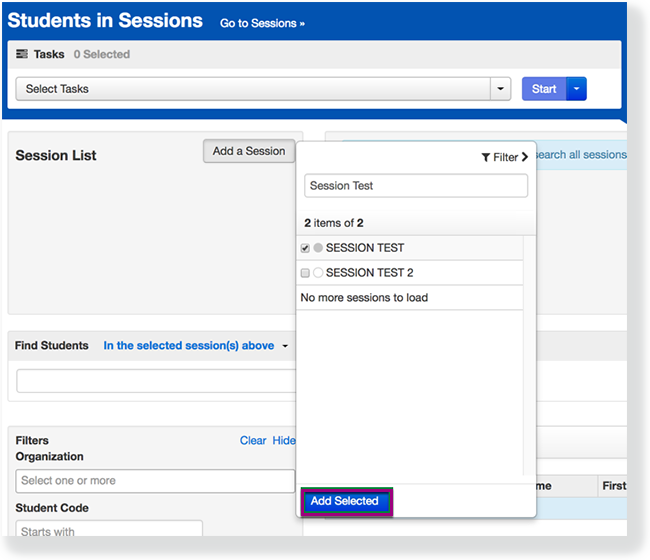
- Click Add Selected.
...
- Type a student name into the search field. Click the checkbox next to the student test.
...

- Click Select Tasks, select Form Override,and click Start.
...
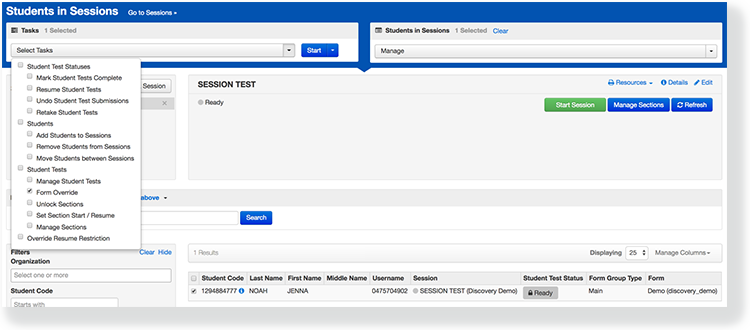
- Select the checkbox next to a student's name to confirm your selection.
...
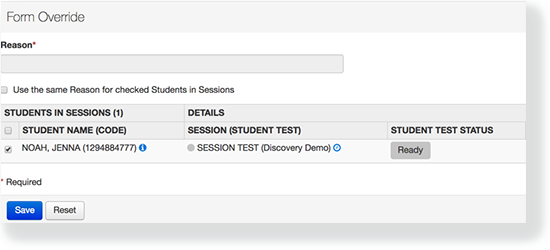
- Select a new form and type a reason.
...
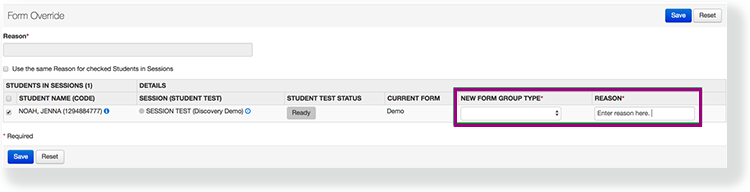
If you select multiple students, you can mark Use the same Reason for checked Students in Sessions to record a reason for all of them at the same time.- Click Save.
...