
...
The student can expand or collapse each category. Each category indicates a performance level of Emerging, Meets or Exceeds.
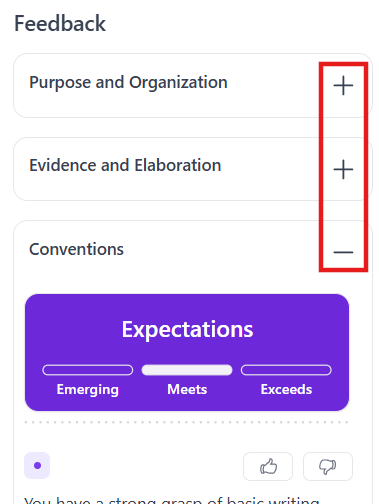
Below the performance levels are comments and suggestions. Some provide the option to View Select Show in essay. By selecting, students can see the part(s) of their response specifically relevant to the feedback. Color-coding makes it easier to match comments and text.
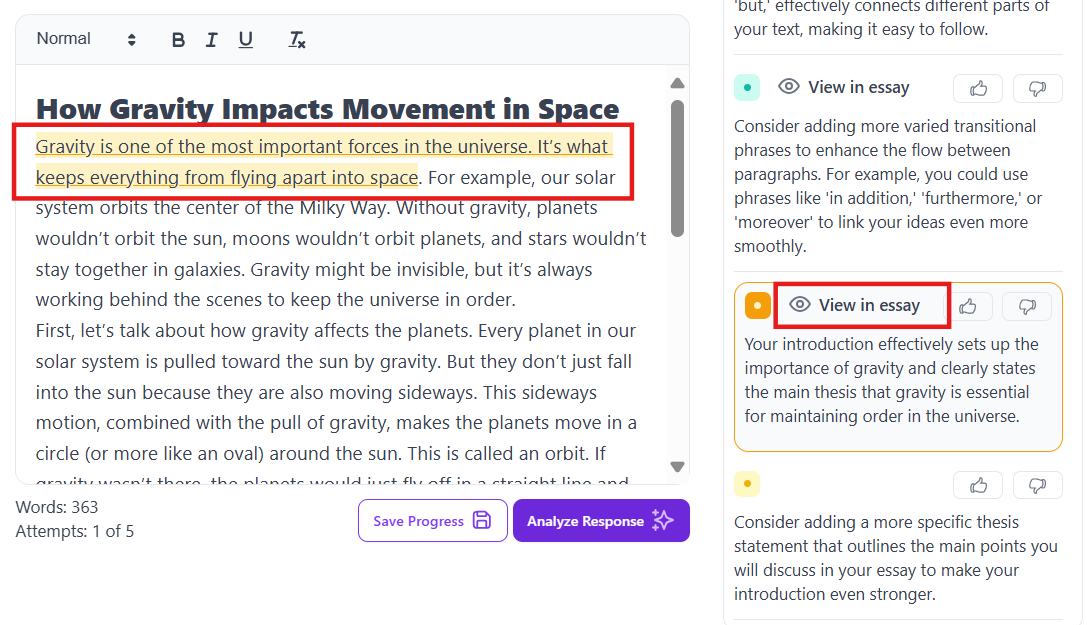
to see highlighted areas needing work.
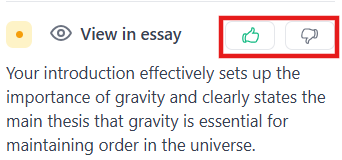
The student can provide a thumbs up or thumbs down to provide feedback on the comments.
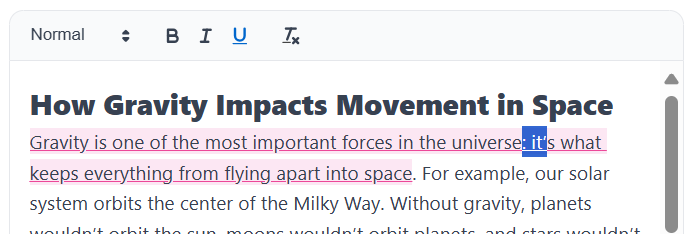
The student should be encouraged to make improvements to the response based on the feedback and select Analyze Response again to see revised feedback on their changes.
...
Tiny Link: https://support.assessment.pearson.com/x/PoDNDTiny Link: