
Anchor
Step-by-Step
| size | medium |
|---|

 to view image)
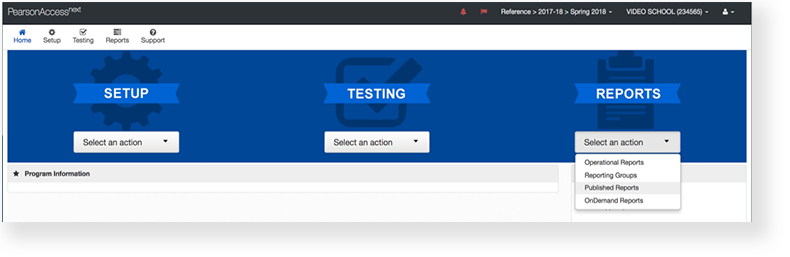
 From Reports, select Published Reports.
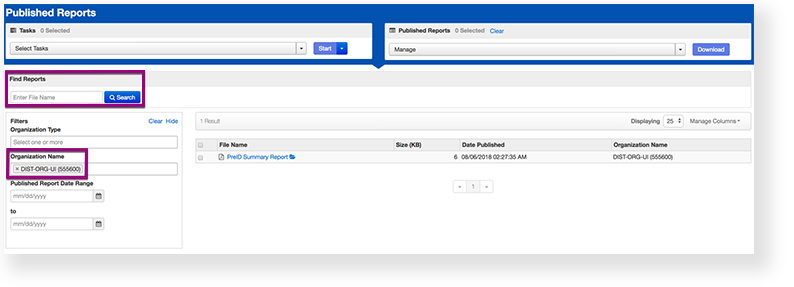
Type the file name into the search field, and click Search (or apply filters).
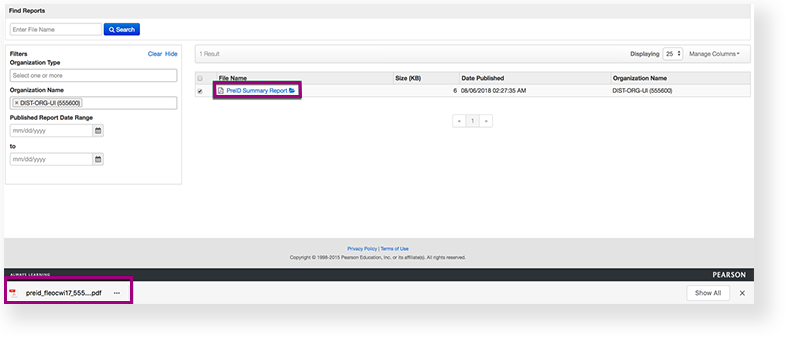
- Double-click on a report to download.
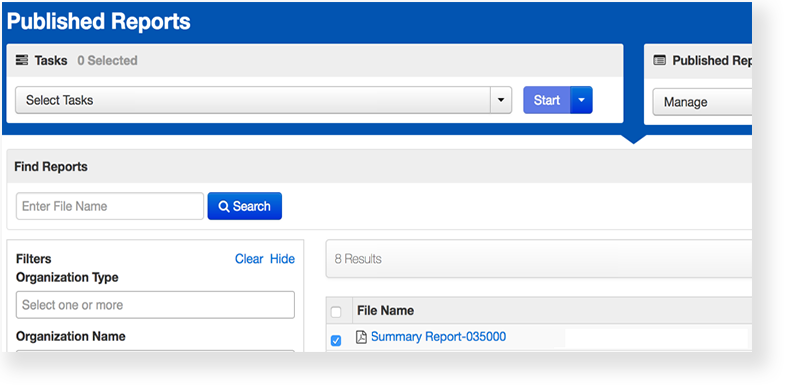
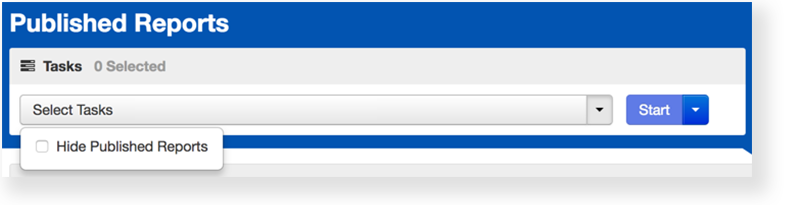
You can also select multiple reports:- Click Select Tasks, click Published Report, and click Start.
- Re-select the reports.
- Click Download.
| type | info |
|---|
Effects
| Expand | ||
|---|---|---|
| ||
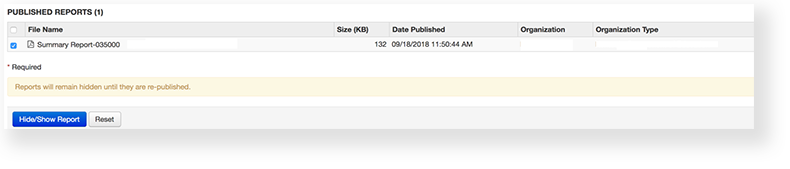
To review them prior to releasing them to other users in the system:
|
|
|
|
| type | tip |
|---|
