
See also: Student Test Tools in AD Player
| Excerpt |
|---|
'ADAM AD Player' is the student portal used to take assessments when the test content is housed in ADAM. When item content is created outside of ADAM, such as for state summative testing, students test in TestNav instead. How students will access ADAM AD Player will vary widely depending on your program's setup - ask your local assessment coordinator or program team for assistance. Which tools, accommodations and accessibility features are available globally or to specific students only will vary. The best way to familiar familiarize students with the navigation is with a practice test or training administration.See also: Student Test-Taking Tools in ADAM Player Navigating Through the Test
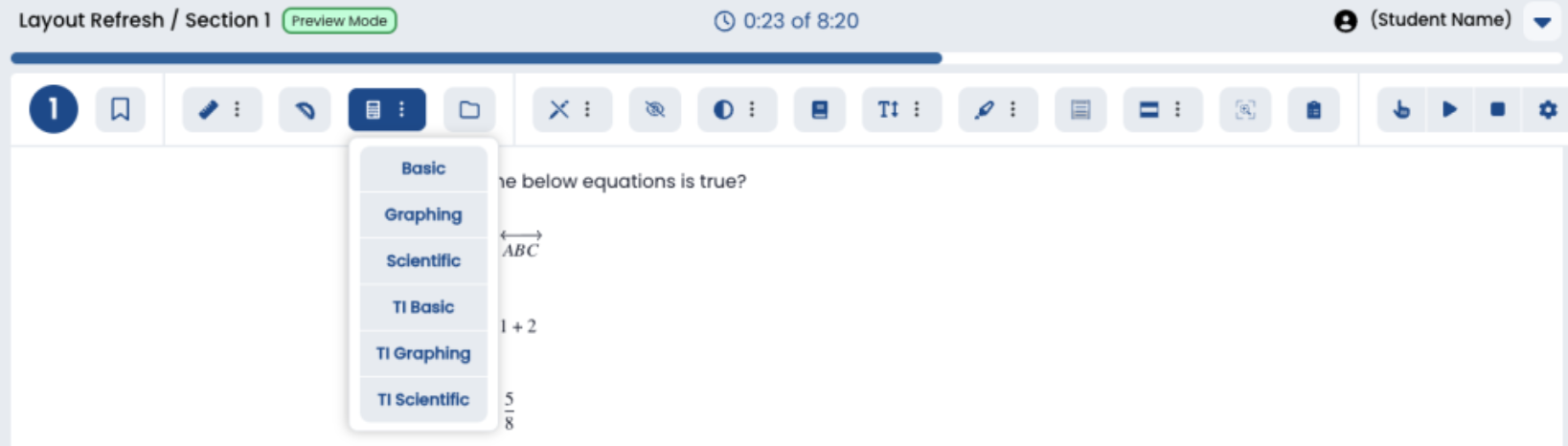
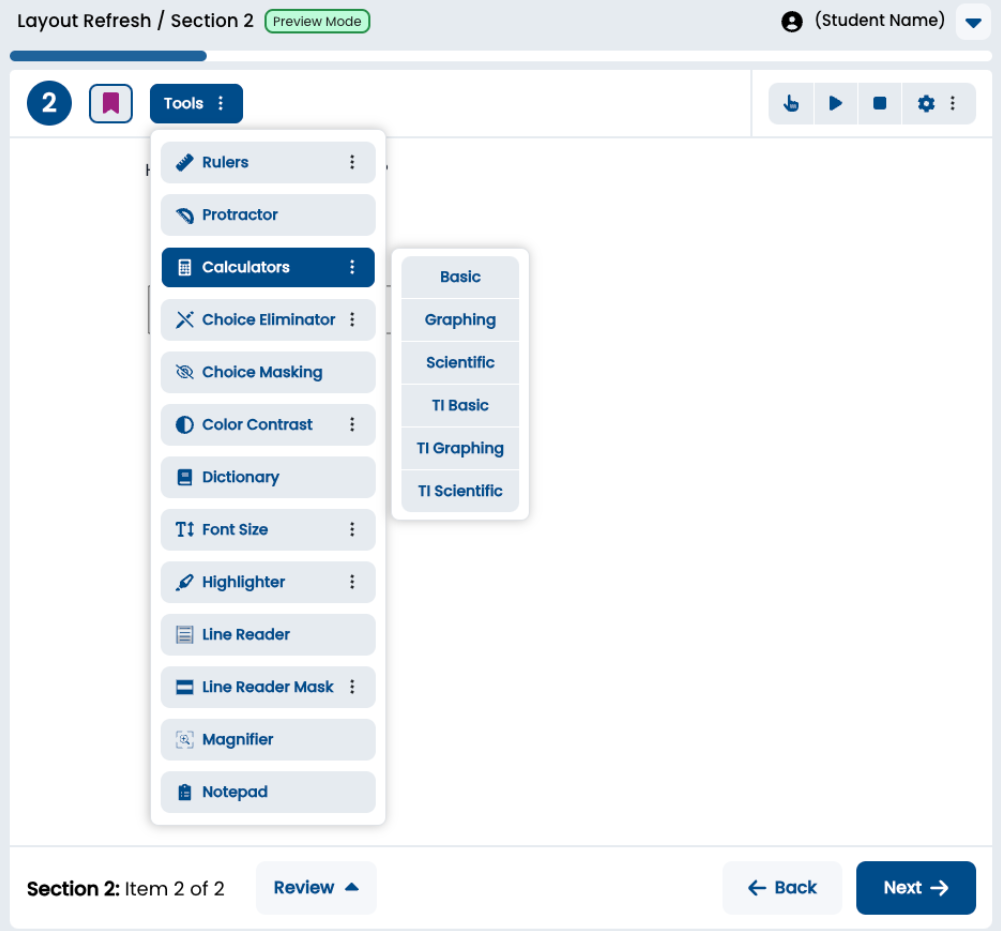
The layout of the menus adjusts to the size and resolution of the testing device. TTS Speed & Voice ControlsSome assessments enable dynamic text-to-speech for all students, others permit only those with the accommodation assigned to use. Student can control the speed and choose the voice.
|
...