

| UI Text Box | ||||
|---|---|---|---|---|
| ||||
If your child's school directs you to do so, click the link below to install TestNav on your home computer or device. |
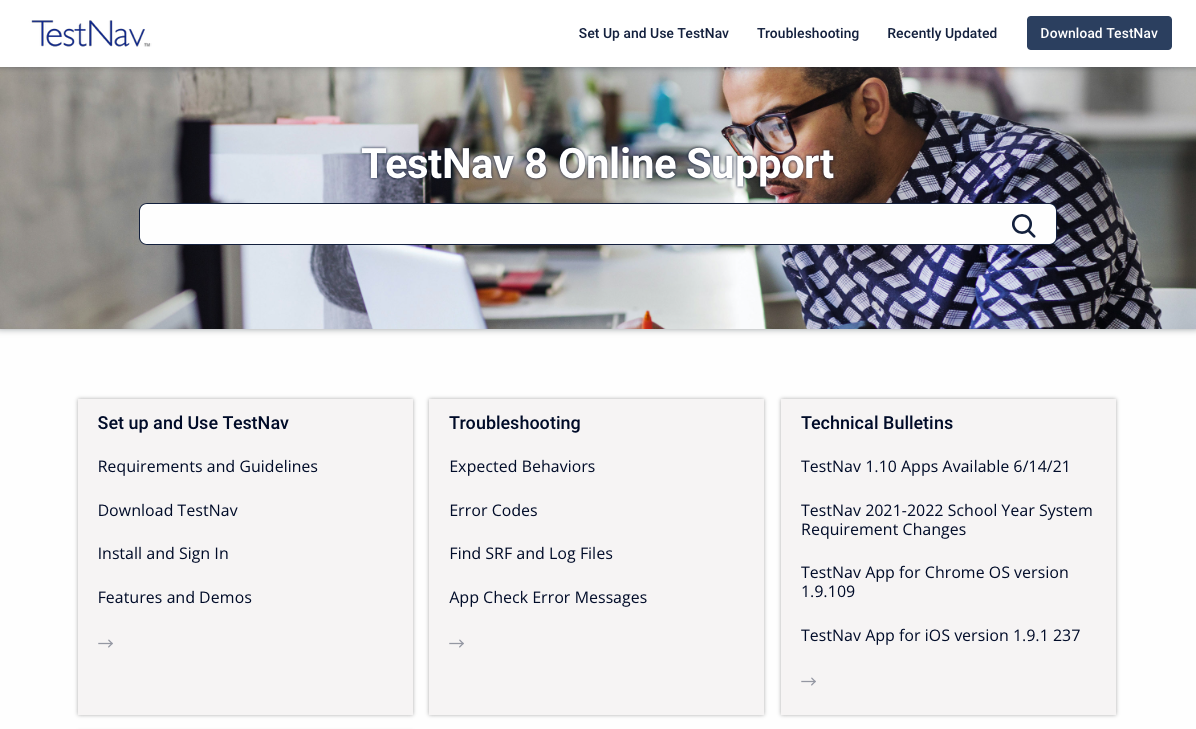
TestNav 8 Online Support provides system requirements, instructions for setup, troubleshooting steps, and information on features and demos.
The Getting Started checklist below outlines the high-level process for setting up your TestNav testing environment. Click the links within the steps for detailed instructions. You can also download a printable PDF of this page by clicking Tools > Export to PDF.
The user guide was created for online use. For the best reading experience and the most up-to-date information, we recommend using the online version.
Getting Started
Review TestNav System Requirements and firewall/port settings for testing devices.
If using ProctorCache, review ProctorCache System Requirements, and then install ProctorCache on designated proctor caching computers.
Pre-cache test content through your assessment management system. Your program should provide instructions for pre-caching test content.
Complete infrastructure trial in each testing lab using a practice test. Your program should provide instructions for setting up a practice test through your assessment management system.
| UI Text Box | ||||
|---|---|---|---|---|
| ||||
IMS Certified |









| Include Page | ||||
|---|---|---|---|---|
|