
...
- Purpose and Organization
- Evidence and Elaboration
- Conventions
Development of Opinion: Your use of evidence and reasoning
· Organization: How you structured your writing
· Language Use: Your word choice and sentence variety
What the Feedback Looks Like:
· Visual bars showing Approaching | Meets | Exceeds for each area
· Specific praise (e.g., "Great job taking a clear position!")
· Helpful suggestions (e.g., "Try adding more details from the passage")
REVISION LOOP
·
· Improve your response based upon the feedback
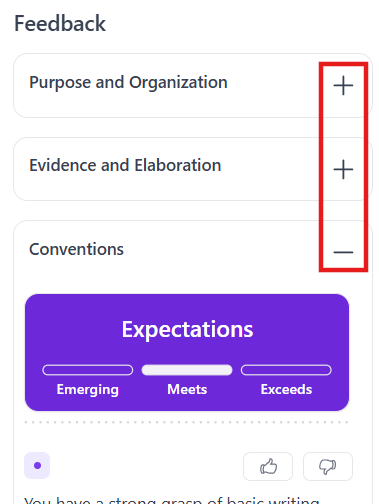
The student can expand or collapse each category. Each category indicates a performance level of Emerging, Meets or Exceeds.
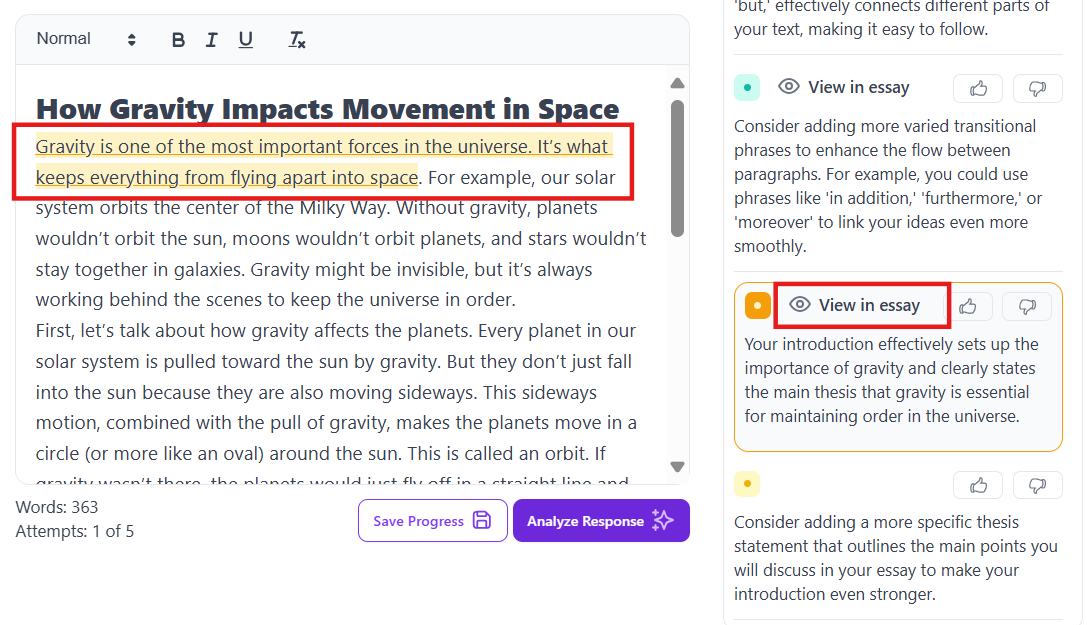
Below the performance levels are comments and suggestions. Select Show in essay to see highlighted areas needing work.
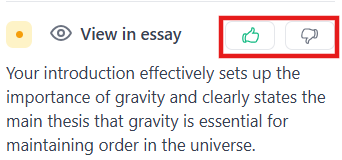
The student can provide a thumbs up or thumbs down to provide feedback on the comments.
The student can should be encouraged to make improvements to the response based on the feedback and select Analyze Response again to see revised feedback on their changes.
...