
-
Created by
 user-760ba, last updated by Jamie Louderback on Jun 29, 2026
1 minute read
user-760ba, last updated by Jamie Louderback on Jun 29, 2026
1 minute read
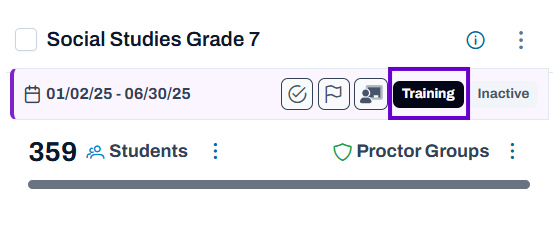
Training administrations can be used to teach your users about navigating in the testing platform. These tests are not scored. Only users with the appropriate role permissions can manage training administrations. A training admin card will appear on the Training Administrations page with the label "Training." Classic User Interface: Updated User Interface: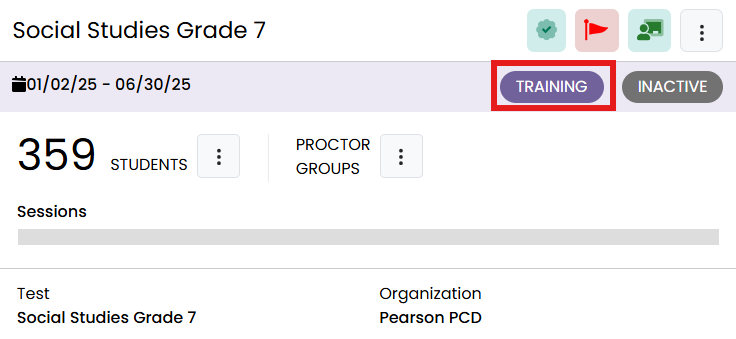
Tiny Link: https://support.assessment.pearson.com/x/awEnC