A limited number of users who manage data have access to the Team Member area of LaunchPad where they can add, edit and troubleshoot data such as users and classes.
To sign in as a LaunchPad administrator:
- Go to https://launchpad.pearson.com/#/admin/login
- Enter credentials and click Sign in.
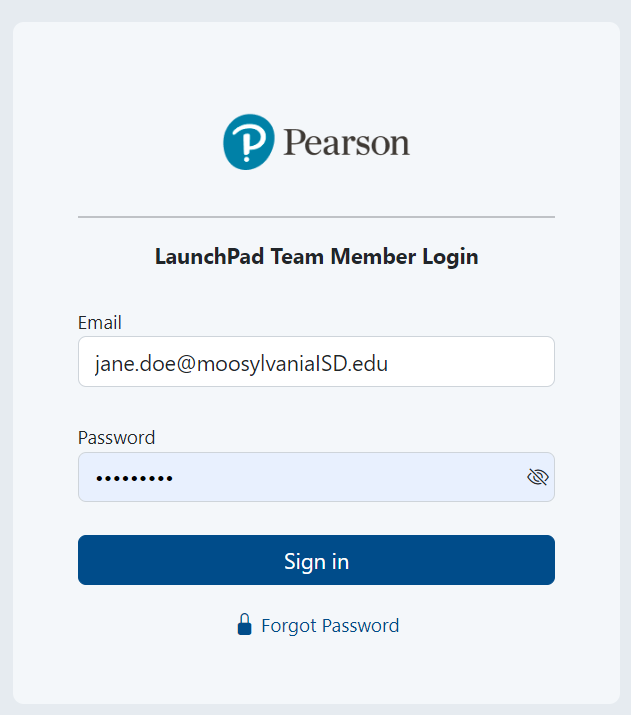
Sample signin screen.
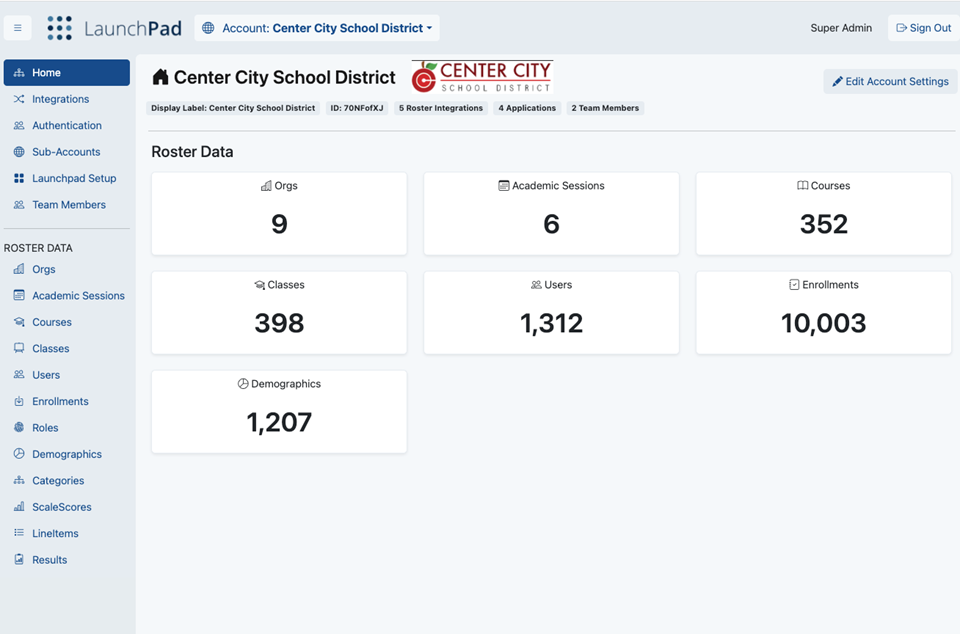
Sample Team Member home page.