Safari 6.1 and higher requires Java to run in unsafe mode for TestNav 8 and SystemCheck for TestNav 8. For devices without this setting in place, TestNav displays a message, indicating that it needs to run in Safari’s Unsafe Mode.
To change Safari to run in unsafe mode, you must first go to the TestNav login screen and attempt to sign in.
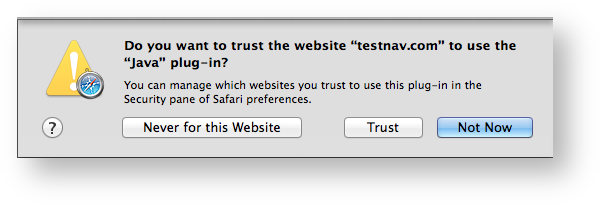
TestNav may display one or all of the following dialogs, depending on previous activity on each device (dialogs will show TestNav 8, when running TestNav 8):
|
TestNav displays Unsafe Mode error message 3047.

After you see this message, complete the following steps:

3. Click the website that you attempted to visit. From the dropdown to the right of the selected website, select Run in Unsafe Mode.
4. Click Trust when the following dialog appears, and then click Done.
5. Restart Safari before you sign in to TestNav again.