To confirm that changes have been applied after data changes are made, or to audit the details of changes made such as which user made the changes, follow these steps:
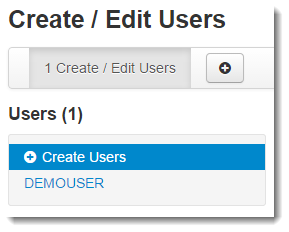
From the information page displayed, select the student from the Users list.
|
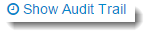
Select Show Audit Trail.
|