To confirm that changes have been applied after registration data changes are made, or to audit the details of changes made such as which user made the changes and the details attached to a student registration, follow these steps:
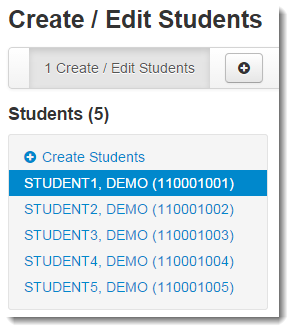
From the information page displayed, select the student from the Students list.
|
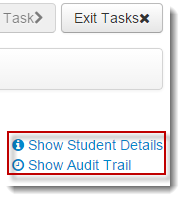
Select Show Audit Trail.
|