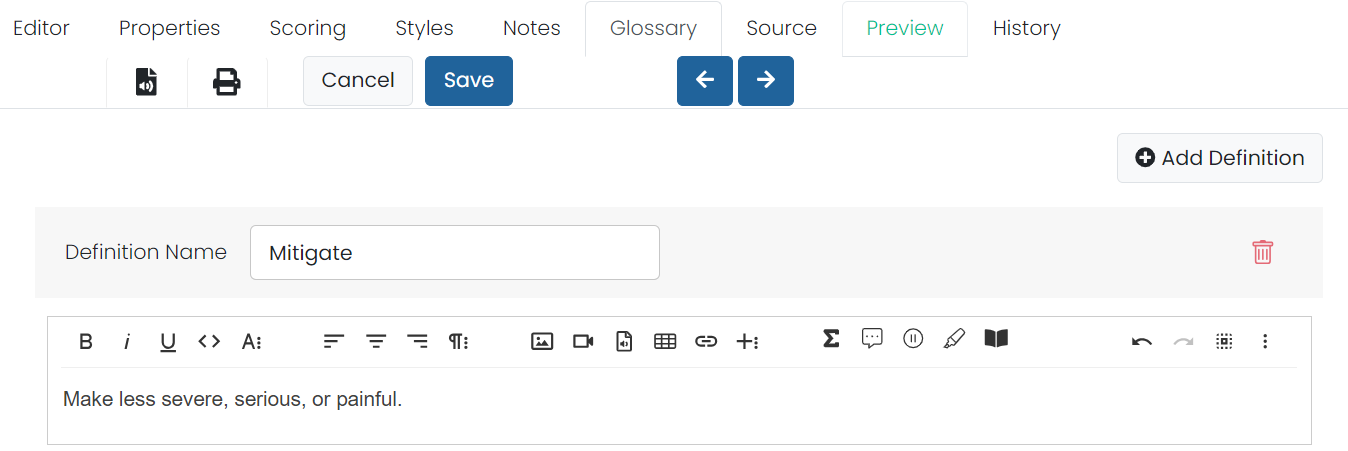
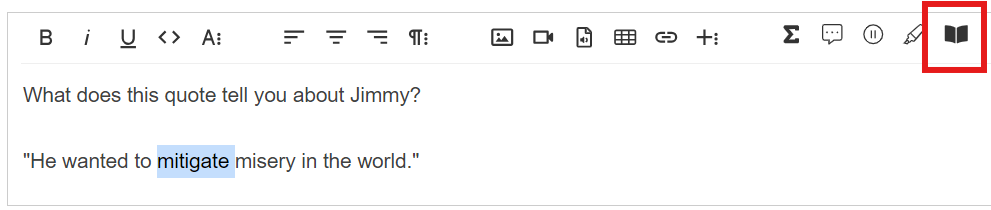
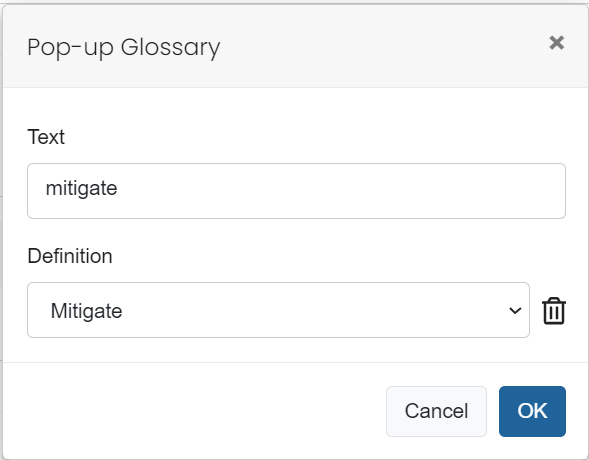
Glossary definitions can be added to specific words using a combination of the new Glossary tab in conjunction with a Glossary icon within the edit screen. Once created, on hover the cursor changes to a question mark to indicate there is a definition included. Once clicked, a floating Glossary Definition box appears with the glossary info.
Tiny Link: https://support.assessment.pearson.com/x/ZoGNC