Complete the following processes to set up your online testing environment.
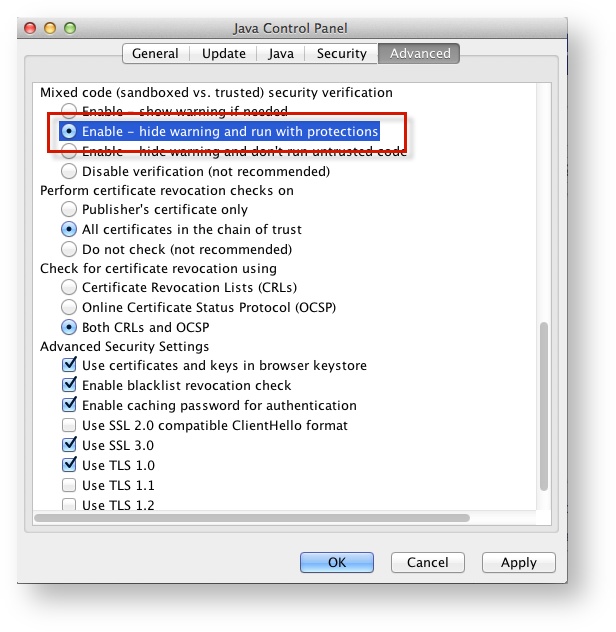
Click Advanced.
Select Enable - hide warning and run with protections:
| Operating System | SRF Location | Log File Location |
|---|---|---|
| Mac OS X | Users/username/Pearson/... | /Users/<username>/Pearson/first name-last name-identifier/logs For example: /Users/UserA/Pearson/User-A-1234/logs |