
A section is a grouping of one or more items. By creating a section, you can assign a Team of specific scorers (users) to score an item or group of items. Only users in Teams assigned to a section are allowed access to score items found in that section.
I have 20 scorers and 2 items (Item 1 and Item 2). I want 10 scorers to score Item 1 and 10 different scorers to score Item 2. To do this I would create two Sections (Section 1 and Section 2). I then would add Item 1 to Section 1 and Item 2 to Section 2. I would then create two Teams (Team 1 and Team 2), assigning 10 scorers to each team. Then add Team 1 to Section 1 and Team 2 to Section 2.
By creating a section, the following functionality is made available:
Note: An item can exist in more than one section, however the same item cannot exist in the same section. The uniqueness is section/item.
When an item is added to multiple sections all item settings and QC materials will remain intact for the item and reporting will be available for the item across sections.
To create a new section:
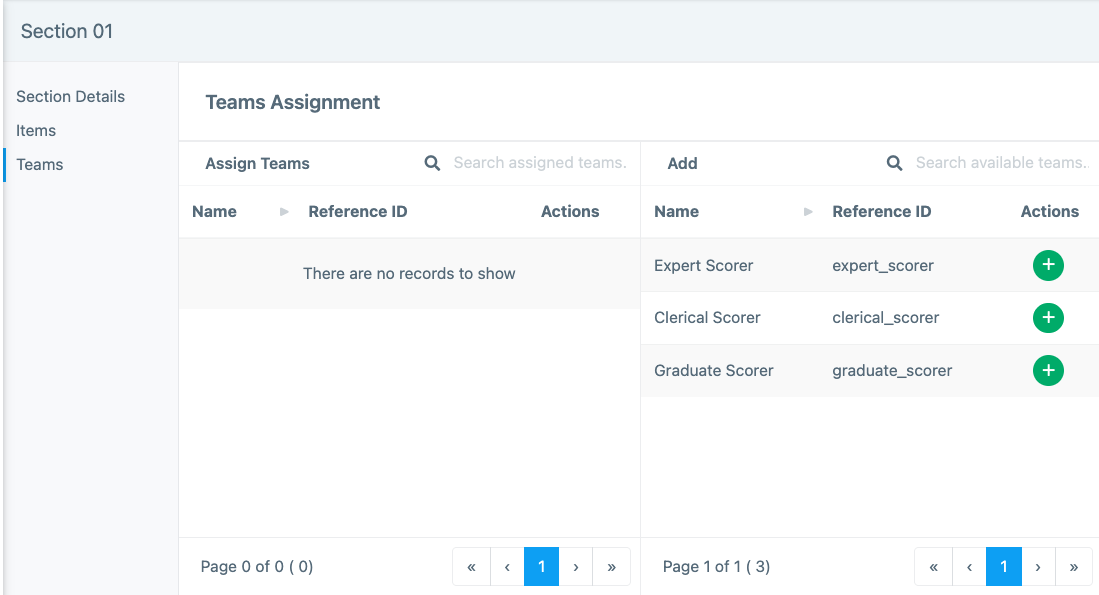
 Action. If your items have not been created, come back later to add them.Action. If your teams have not been created, come back later to add them.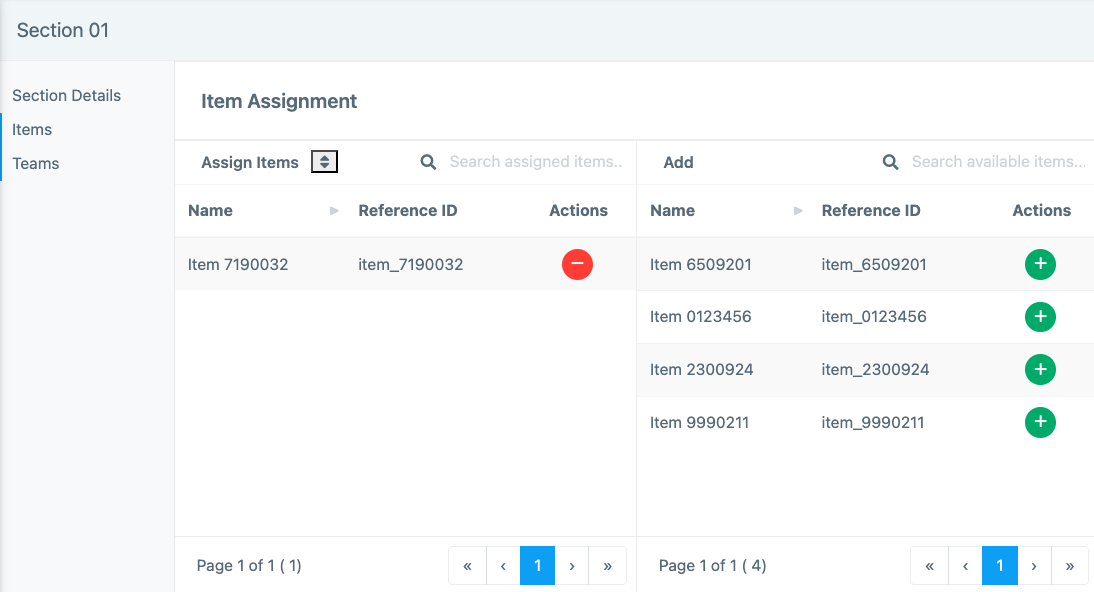
Tiny Link: https://support.assessment.pearson.com/x/fYC4D