Account Name
Display Label
Current School Year
Enforced normalized sourcedid casing
Logo
Allow roster user access
Auto-launch of licensed app
Session Timeout (Minutes)
Sign In Screen Message
Custom Sign In Page Path
Welcome Email Custom Text
Register User Agreement on Sign In
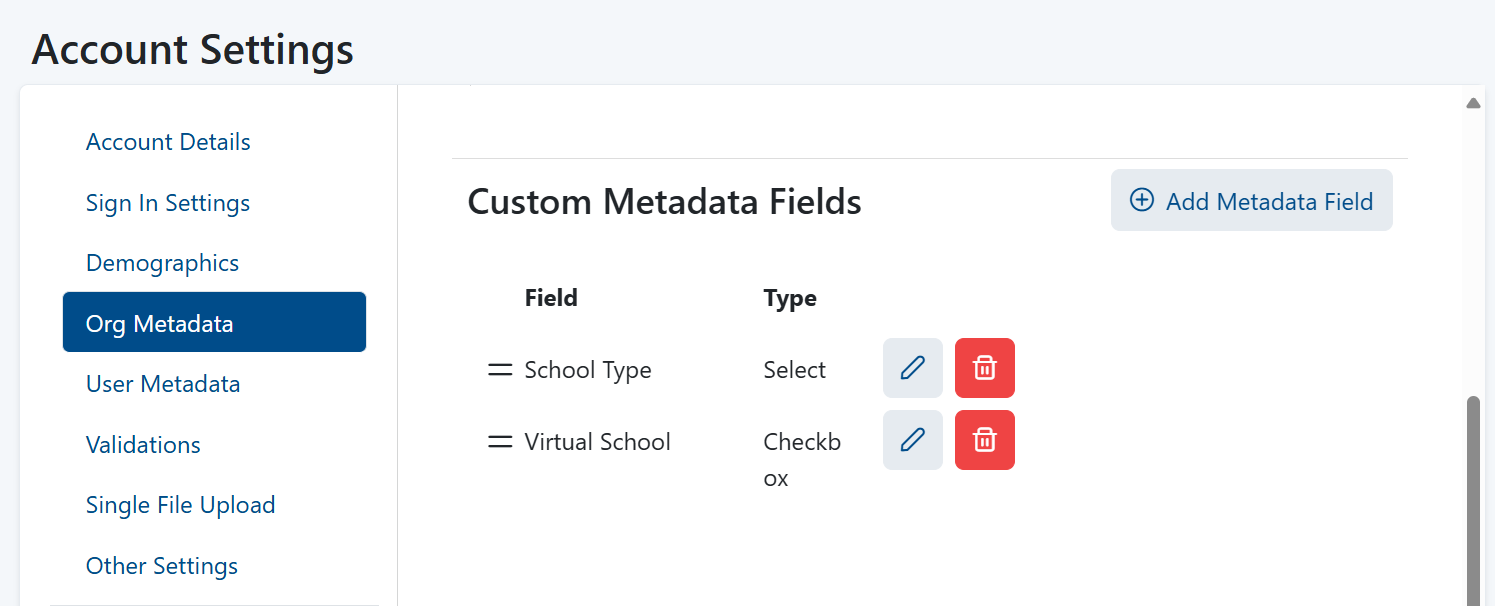
Org Metadata
Enable Contact and Shipping Address Fields
Enable District Shipping Override Fields
allowing configuration of custom metadata related to organizations.
Org metadata can be found in the Orgs Template CSV, the Org export report, and on the Org Details page. Metadata included within files will continue to be uploaded by LaunchPad but will be invisible in the user interface and only accessible via JSON for ADAM.
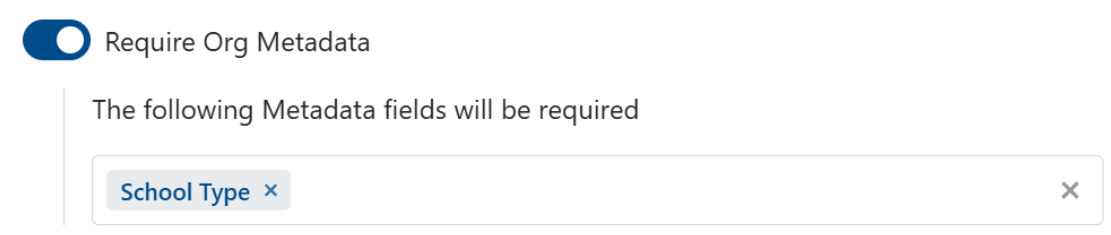
Require Org Identifier
option to require specific org metadata, operating similarly to required demographics and user metadata. LaunchPad will check if an org metadata field is marked as required and reject records that do not provide a value.
Enforce Org Identifier Uniqueness
Require Student Identifier
Enforce Student Identifier Uniqueness'
Enforce Student Identifier pattern
Enforce binary gender values
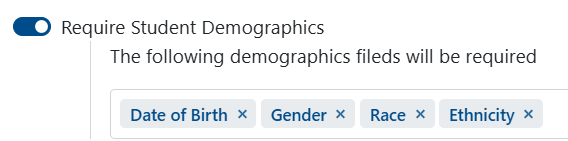
Require Student Demographics: Allows different demographic data fields to be set as required for students. Only demographic fields that have been defined will be available to mark as required. To use this feature, enable the toggle and select the demographic fields that should be mandatory.
Require User Metadata: Allows users to designate specific user metadata fields as required when utilizing Single File Upload. If these metadata fields are left blank, the upload will not be successful. Furthermore, these metadata fields are also mandatory when creating a student via the user interface.
Block user email update
Auto-trigger Student Transfer Requests and reject out-of-district student updates
Account Settings have been added that allow client-specific customized instructions to appear on-screen when performing Single File Uploads of Student, Non-Students and Orgs. Customized text can be uniquely configured for each file type (Student, Non-Students and Orgs) and will show as Step 2 in the on-screen import instructions.
Limit Grade Level Selection
Show Student 'Preferred Name' Fields
Automatically prepend the sourcedId of the district org to all incoming records
Show Student Layout File Specification
Show Org Layout File Specification
Show Non-Student Layout File Specification
Validate Org Shipping Addresses
Enable Student Transfer Requests