This page pertains to ADAM tests being delivered via the TestNav Secure Browser.
|
To access an assigned test via the TestNav app, students need to:
- Close out of any open applications on their testing device.
Listen to directions from the test proctor on which option to choose on the TestNav selector page (Step 4).
- Launch the TestNav app.

Select the selects appropriate organization as directed in Step 1 (for example, their state) on the TestNav home page. (Note: If the program was set previously on the device, the student will skip to the next step.)
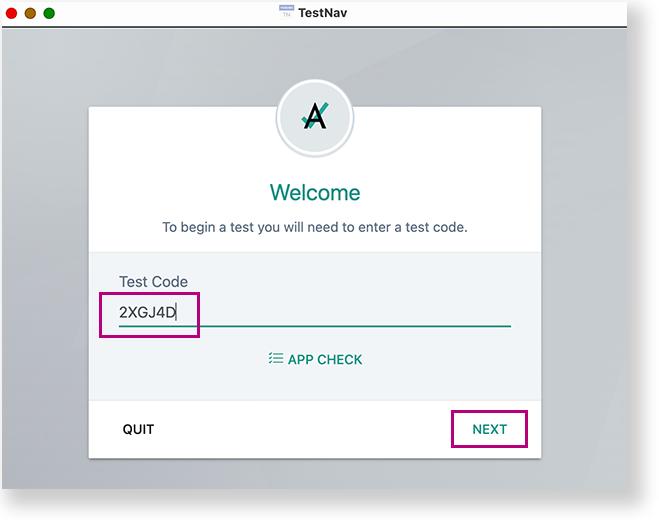
- Enter the Test Code, and then select Next.
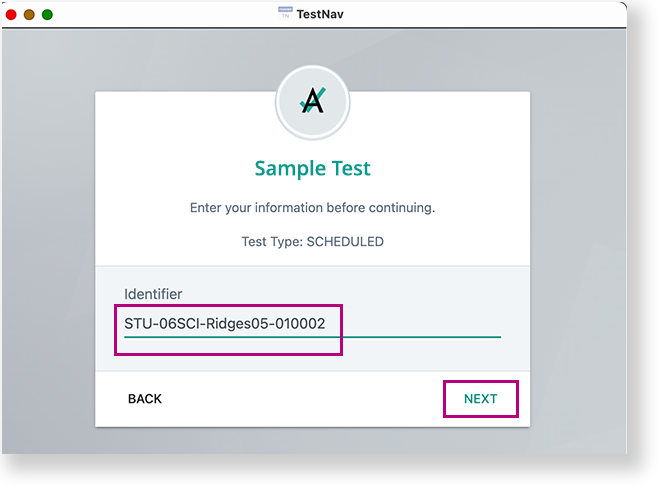
- Enter the student ID in the Identifier* field, and select Next. (*The fields required for authentication may vary.)
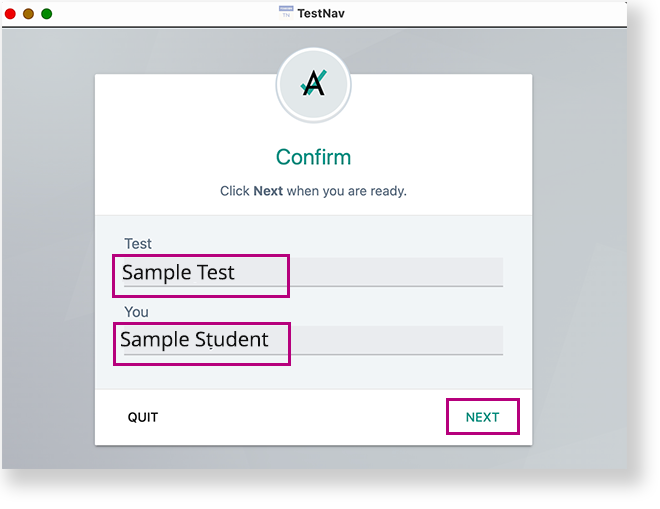
- Confirm the Test and your name, and select Next.