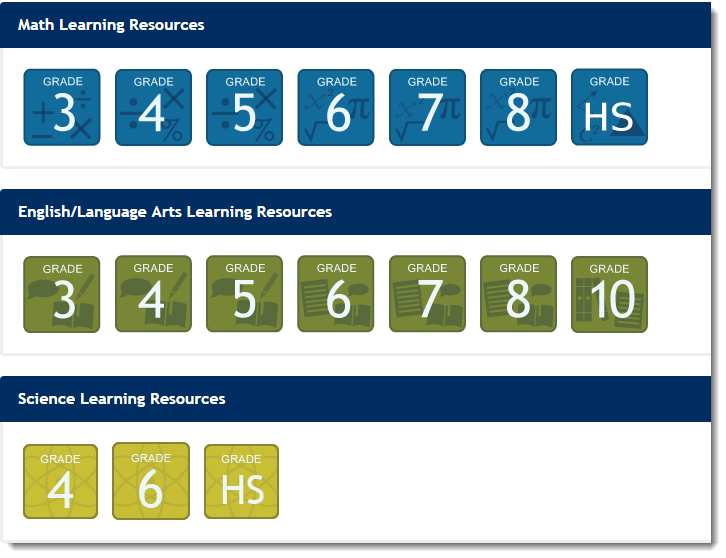
Click a Subject Grade Icon on the home page.
|
You can view the Learning Resources two ways:
To view the available learning resources, follow these steps:
Click a Subject Grade Icon on the home page.
|
Alternatively, from the menu bar click the Learning Resources tab to view the list of available resources. Or, search for resources available using Basic or Advanced Search.
|
Click the Information icon next to the resource link, and then click Resources.
 |
View by Assignment ID or Learning Locator Code
To view the available learning resources, follow these steps:
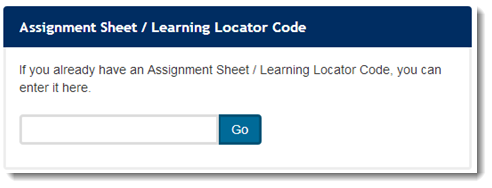
On the Home page, enter the Assignment Sheet ID or the Learning Locator Code. Click Go.
|
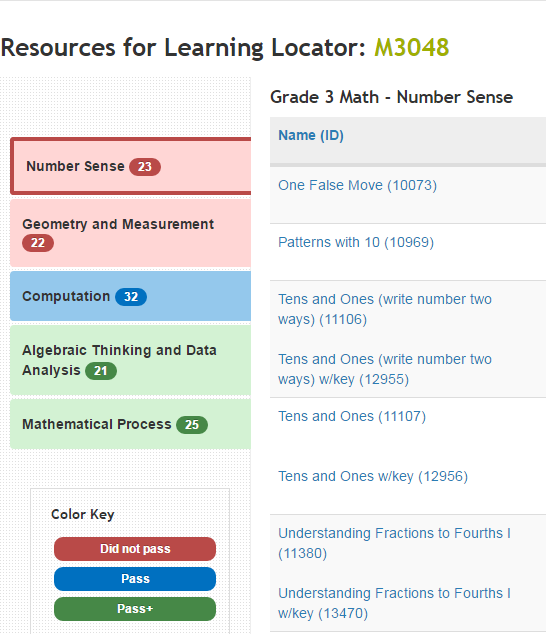
A list of resources for the assignment will be displayed. Click the resource link to view details.
|