Depending on the resource content and your choice, you can identify and mark assignments for future references. This can be done two ways:
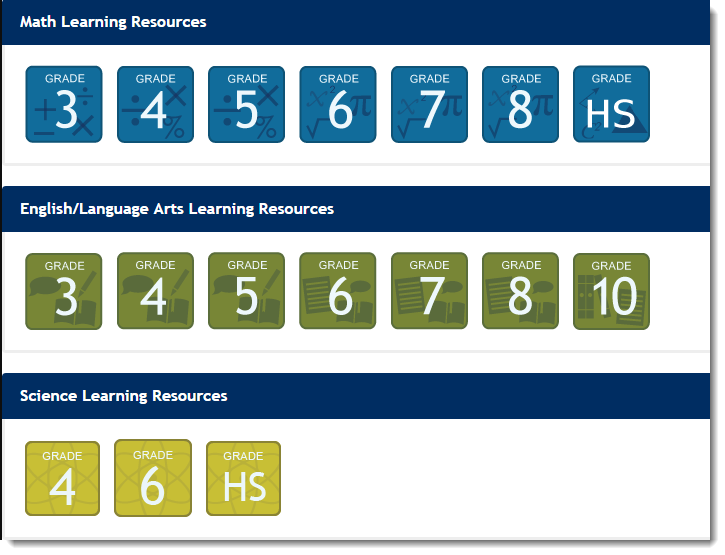
From the home page (if available, select the Lesson Builder Menu), click a Subject Grade icon.
|
Alternatively, from the menu bar, click the Learning Resources tab to view the list of available resources. You can also search for available resources using Basic or Advanced Search.
|
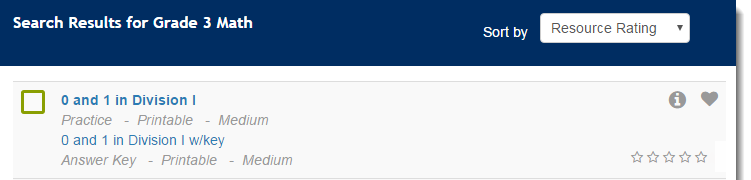
To rate an assignment, select the number of star(s) next to an assignment.
|
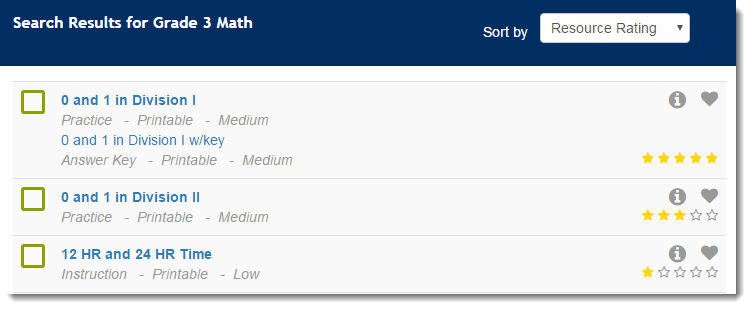
To sort assignments by their rating, from Sort by select Resource Rating. The resources will be sorted by their rating from the highest (5 stars) to the lowest (1 star).
|
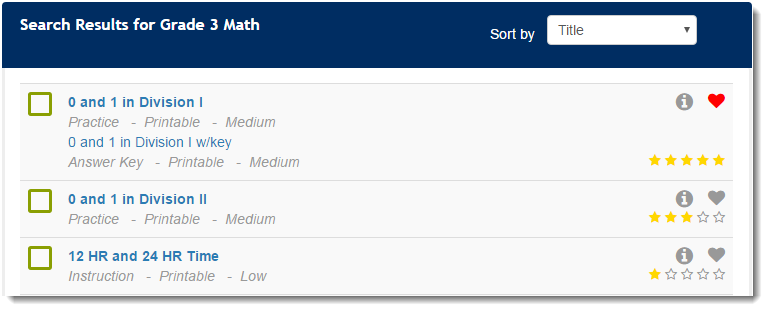
To mark an assignment as your favorite, click the favorite icon  next to the assignment name.
|
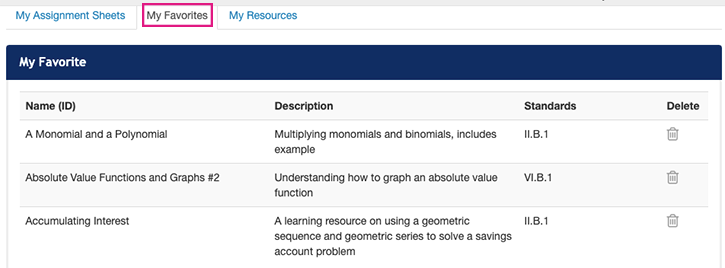
To view list of your favorite assignment(s), click the Assignment tab on the menu bar and then click My Favorites tab.
|
To delete an assignment from your favorite list, click the delete icon  next to the assignment description.