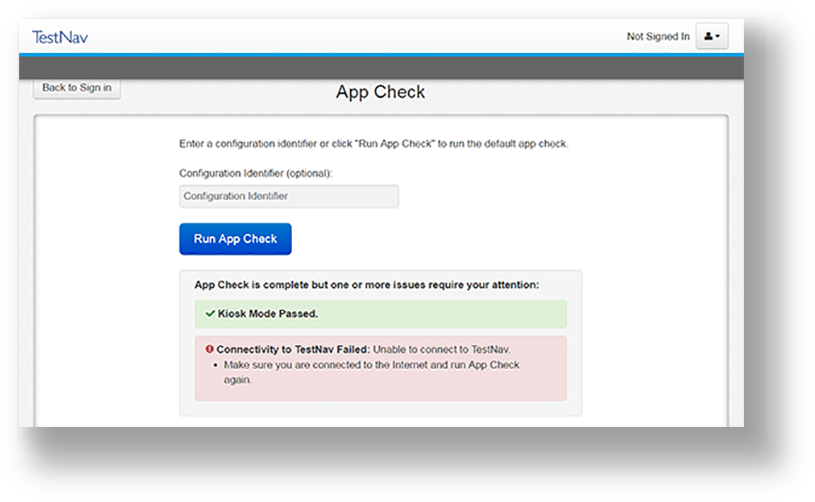
The device is not connecting to TestNav. To resolve the issue, refer to the TestNav System Requirements and Set up and Use TestNav and confirm settings on each supported device.
|
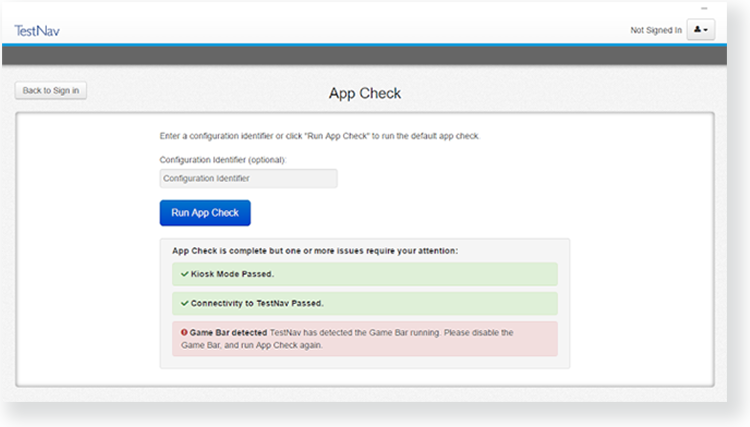
The device is not configured to start TestNav in Kiosk Mode. To resolve this issue, see Set up and Use TestNav and confirm settings on each supported device.
(Screenshot pending)
|
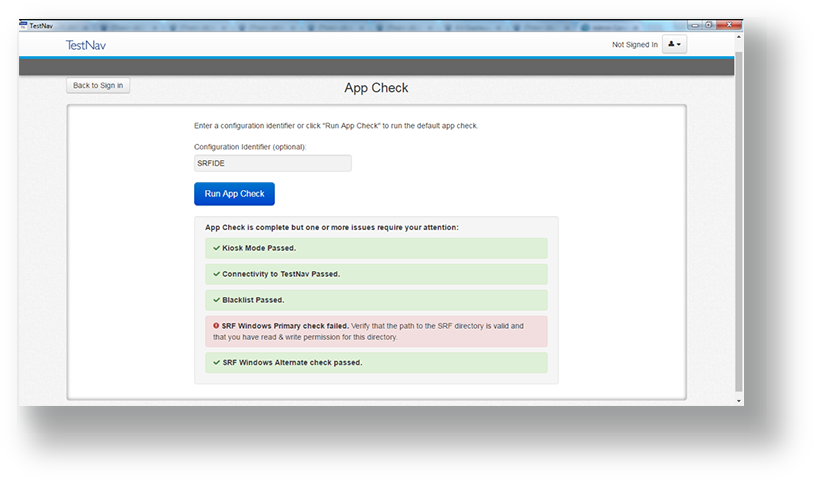
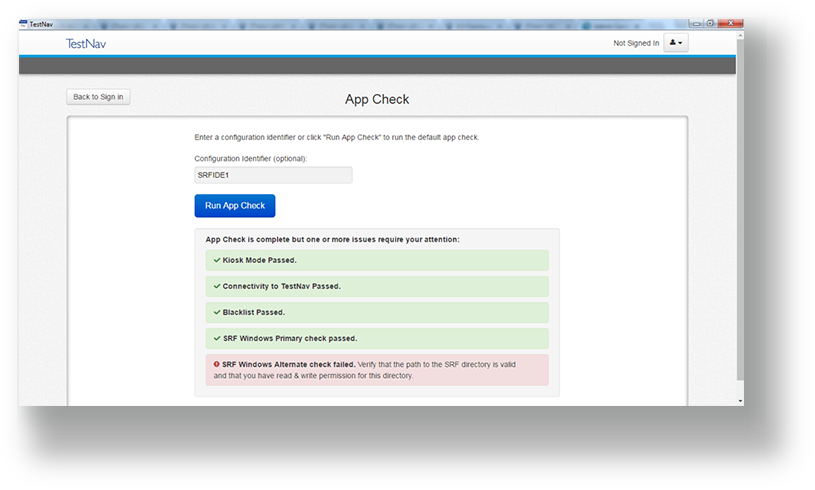
The primary OR secondary saved response file (SRF) path is invalid. To resolve this issue, log into Pearson Access Next and update the TestNav Configuration Task.
|
If configured, App Check can also verify connectivity to ProctorCache. To resolve the issue, refer to the ProctorCache Requirements and Set Up and Use ProctorCache and confirm settings.
|