Navigation:
Reporting > Payroll > Incentives
The Incentives tab allows authorized users to create, view, and manage daily scoring incentives for a project. Incentives define scoring targets and validity requirements that drive the Incentive Score Bar displayed to scorers during scoring.
Incentives are configured at the Section and Item level, allowing different incentive configurations for the same item when it appears in multiple sections.
Please Note: Access to this tab is controlled by the Quality Management > Reporting> Payroll > Can Set Incentives role permission.
Incentives Overview
Each incentive defines daily scoring goals and validity thresholds that are evaluated against scoring activity for the current day. Incentives reset daily based on the project’s reporting day.
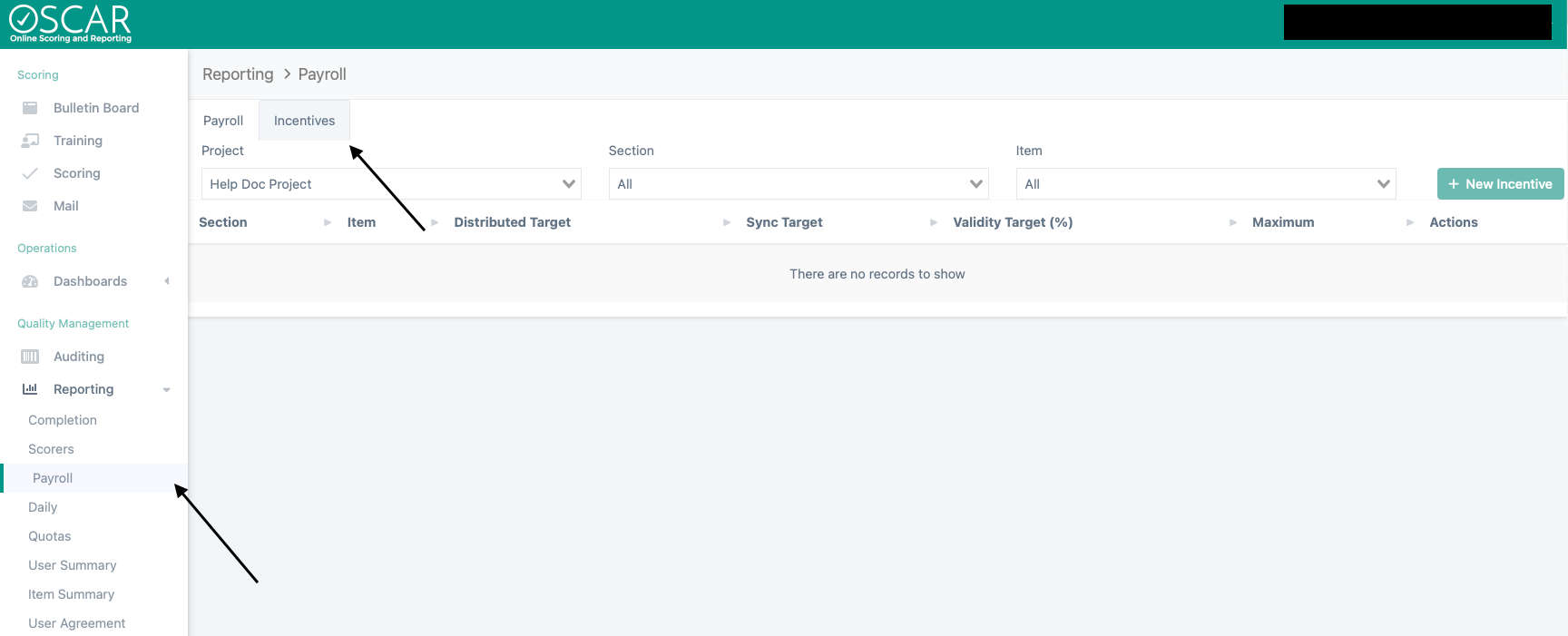
Incentives tab showing filters
Creating a New Incentive
To create a new incentive:
After saving, the incentive becomes active and is added to the Incentives list.

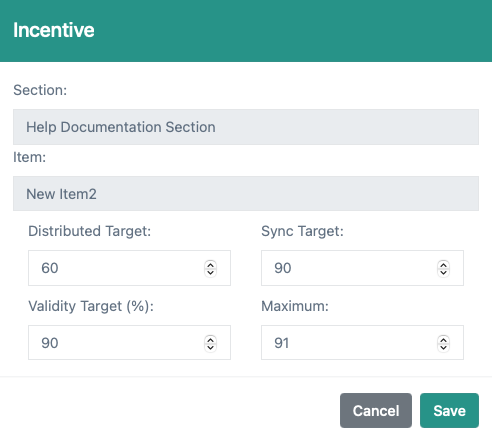
Incentive Configuration Fields
Each incentive includes the following configuration options:
These settings determine how progress is calculated and displayed to scorers.
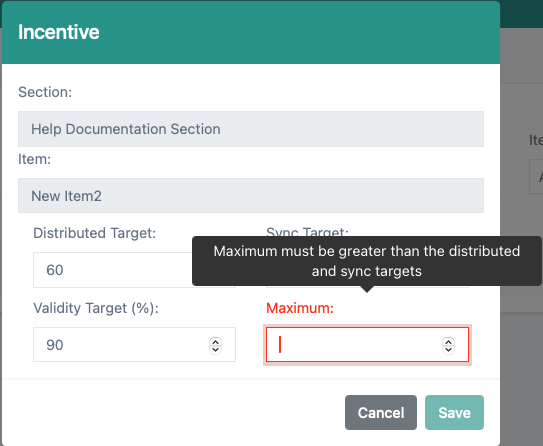
Please note: Maximum must be 1 more than the greater value of the Distributed Target or Sync Target
Viewing Incentives
All configured incentives appear in a list within the Incentives tab.
The list displays:
Selecting a Project and All Sections allows users to view all active incentives for that project.
How Incentives Are Used
When an incentive is active:
If no incentive is configured for the scorer’s current section and item, the Incentive Score Bar will not be displayed.
Tiny Link: https://support.assessment.pearson.com/x/J4B1Dg