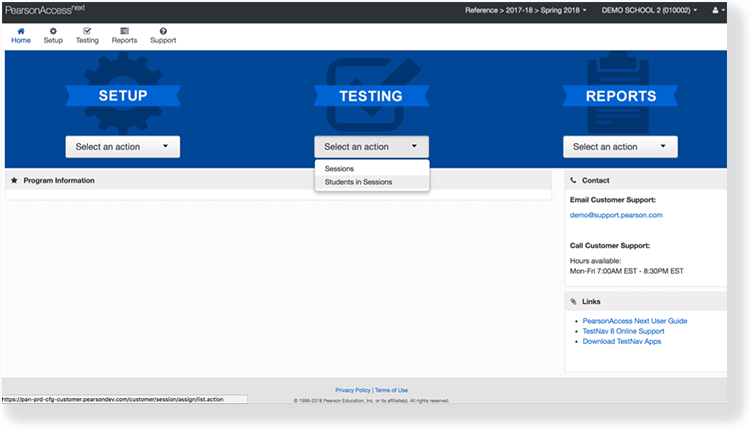
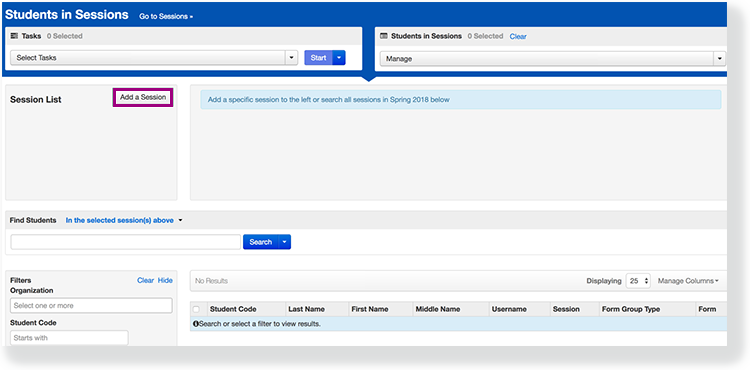
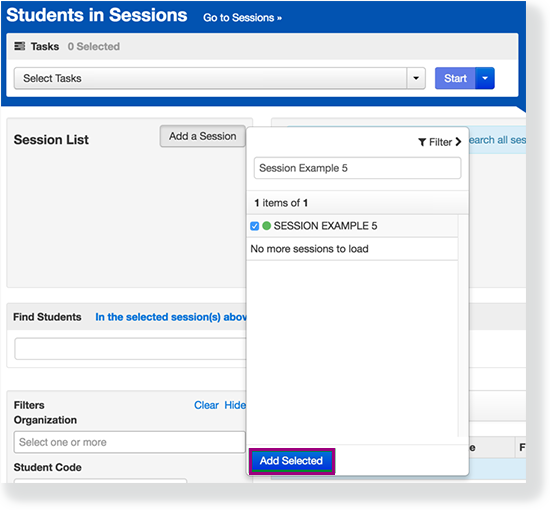
Click Add a Session.
Type a session name into the search field, and click the checkbox next to the session.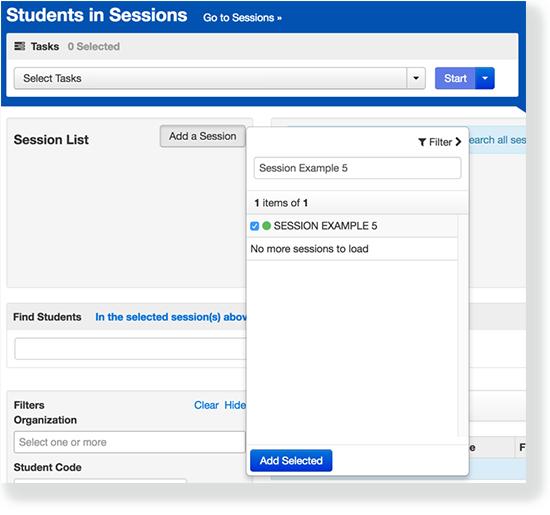
Click Add Selected.
Click Stop Session.
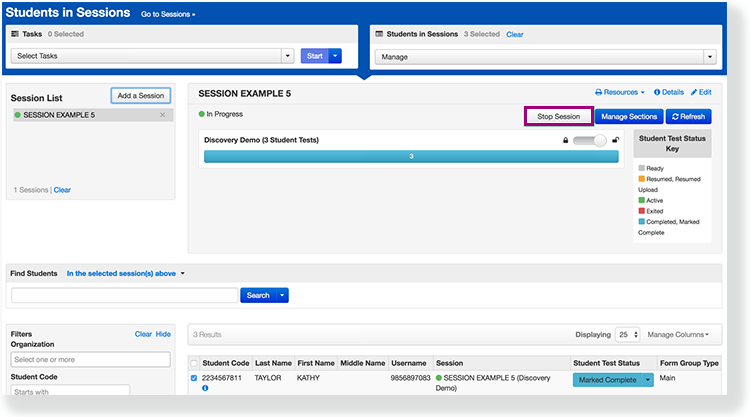
You can stop a session when all students complete testing and have either Completed or Marked Complete statuses. When you stop a session, schools/districts can account for all students in sessions and confirm cleanup of confidential testing data. You cannot add students to a stopped session.
Click Add a Session.
Type a session name into the search field, and click the checkbox next to the session.
Click Add Selected.
Click Stop Session.
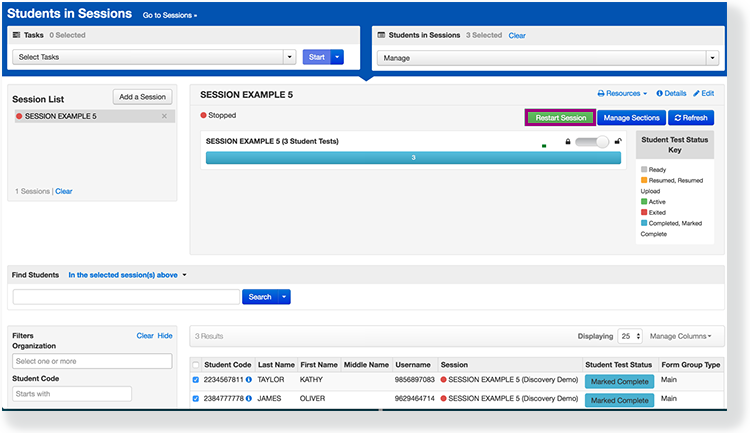
You can restart a stopped session by clicking Restart Session (permission-based).