You can reject an order to stop Pearson (or your selected vendor) from filling it.
Prerequisites
You can only reject an order in Submitted status.
Step-by-Step
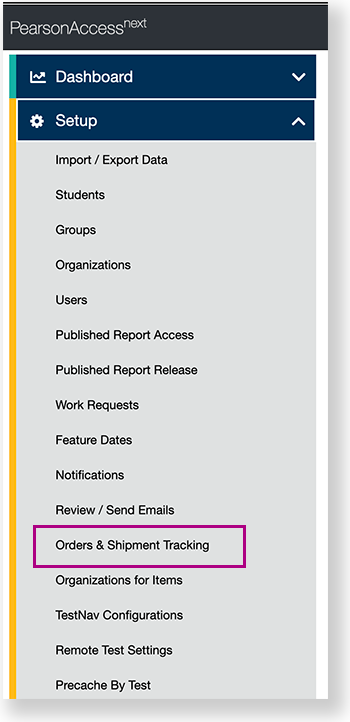
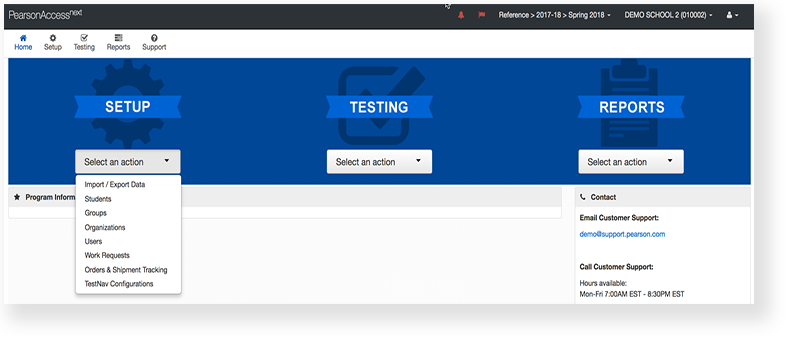
From Setup, go to Orders & Shipment Tracking.
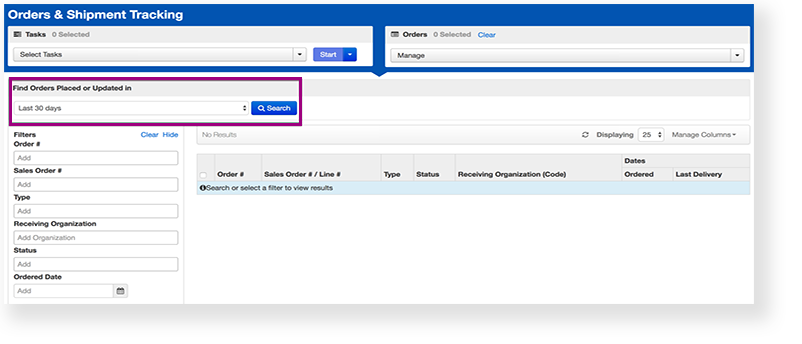
Under Find Orders Placed and Updated in, select a period of time during which reports occurred, and click Search.
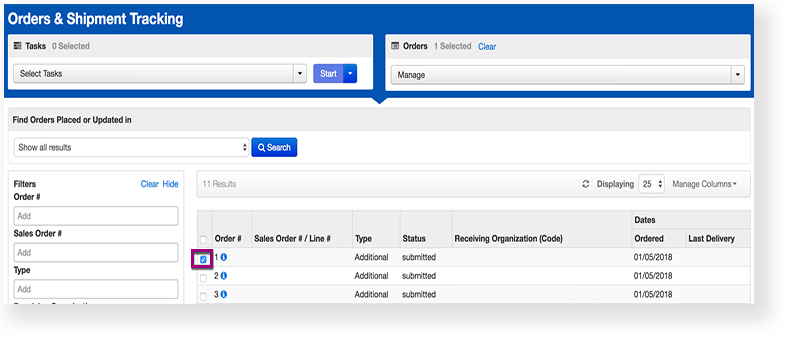
Click the checkbox next to the order.
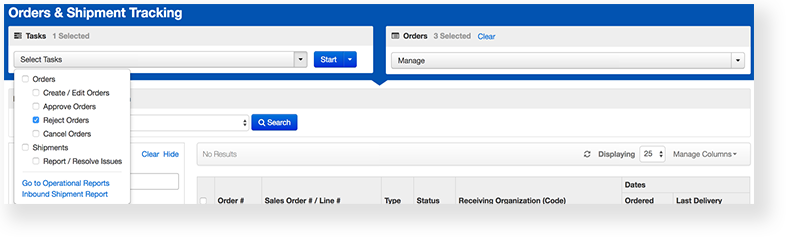
Click Select Tasks, select Reject Orders, and click Start.
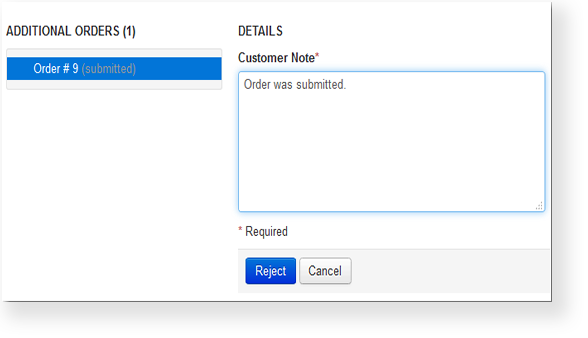
Type a reason.
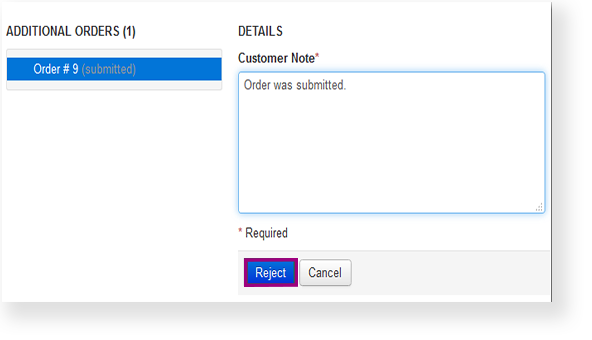
Click Reject.
Effects
The system retains a record of rejected orders, but the rejection is permanent. You cannot reinstate the order; you must create a new one.