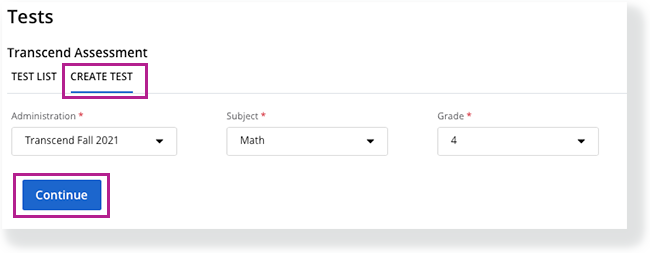
Select a Subject and Grade, and click Continue.
 |
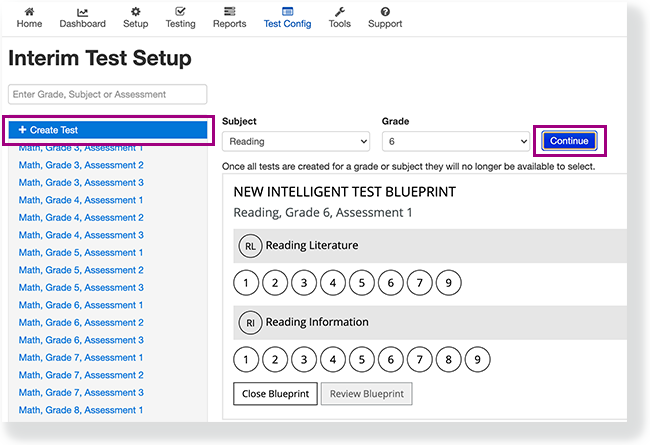 |
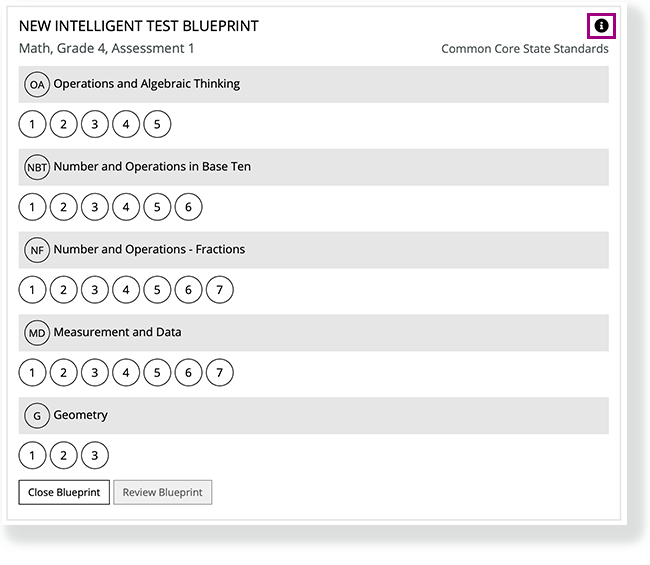
Select standards for each subject and sub-category to build the Intelligent Test Blueprint (ITB).
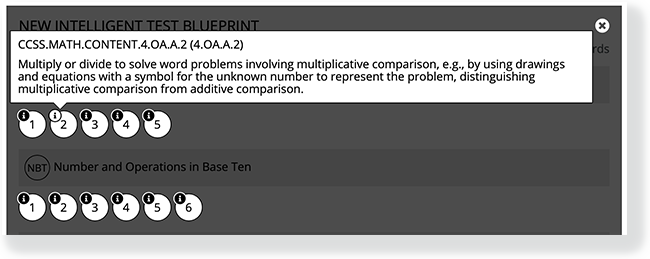
You can click the info icon at the ITB's top-right to show info icons for each standard, and then click an icon to review each specific standard before you select it.