Feature availability varies by program and role.
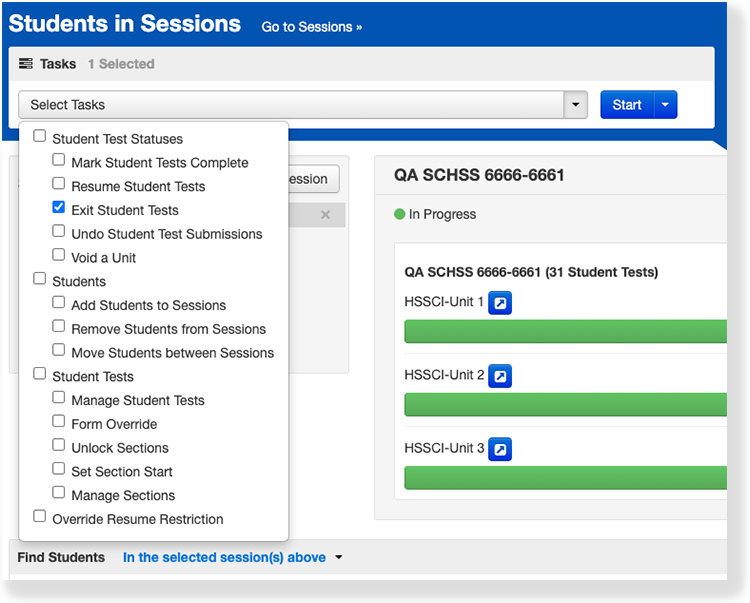
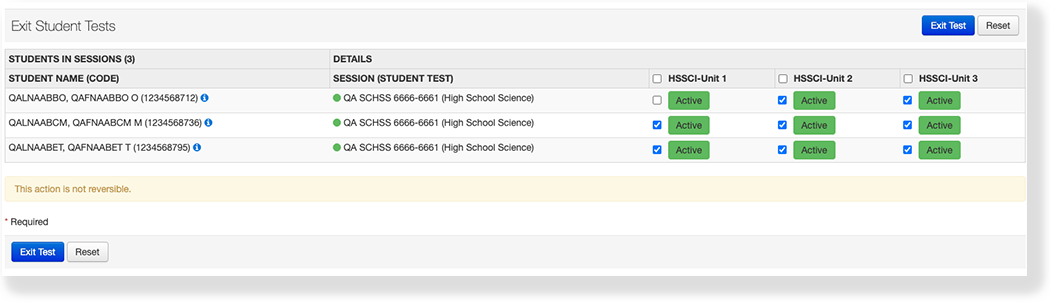
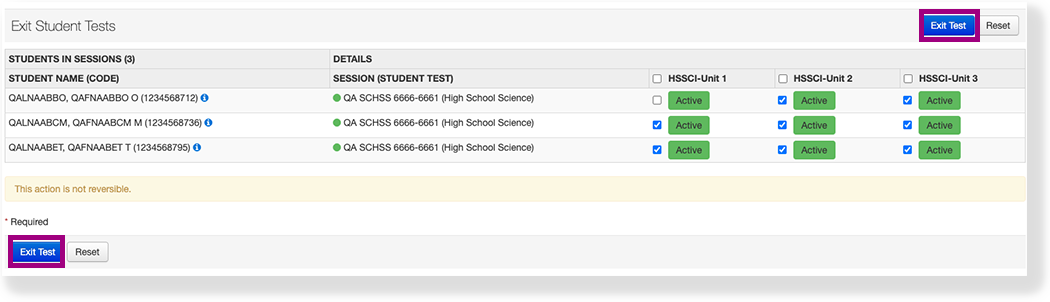
You can exit a student test or student tests within a session or sessions from the test delivery application. Feature availability varies by program and role.
From Testing, select Students in Sessions.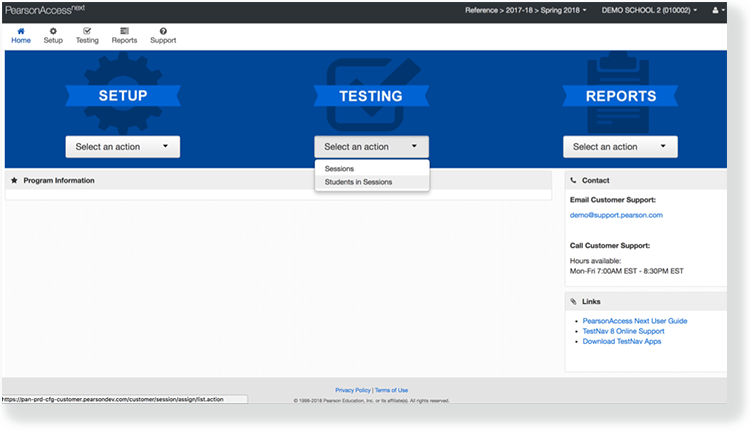
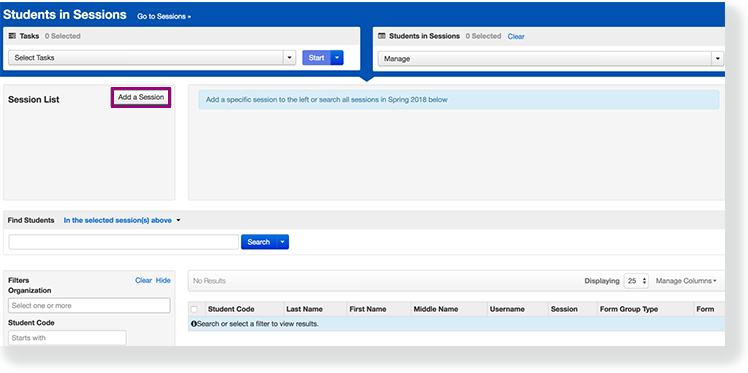
Click Add a Session.
Type a session name into the search field, click Search, and click the checkbox next to the session. 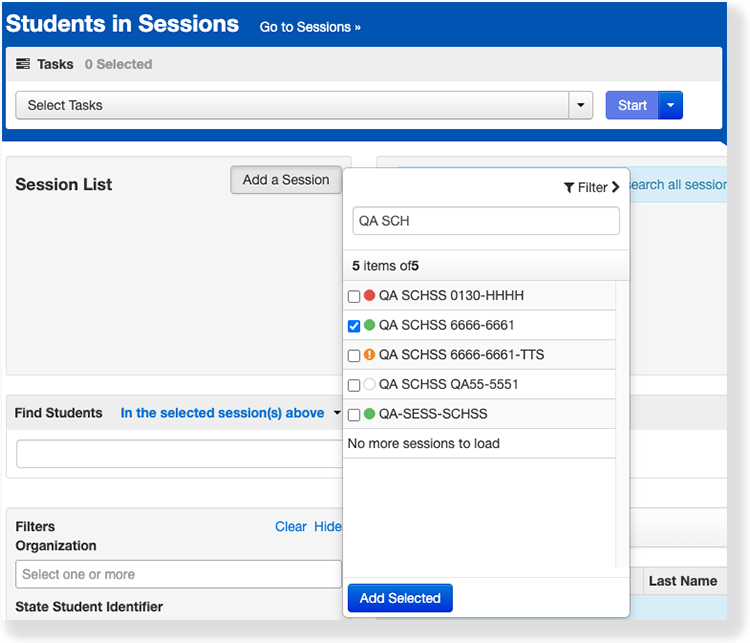
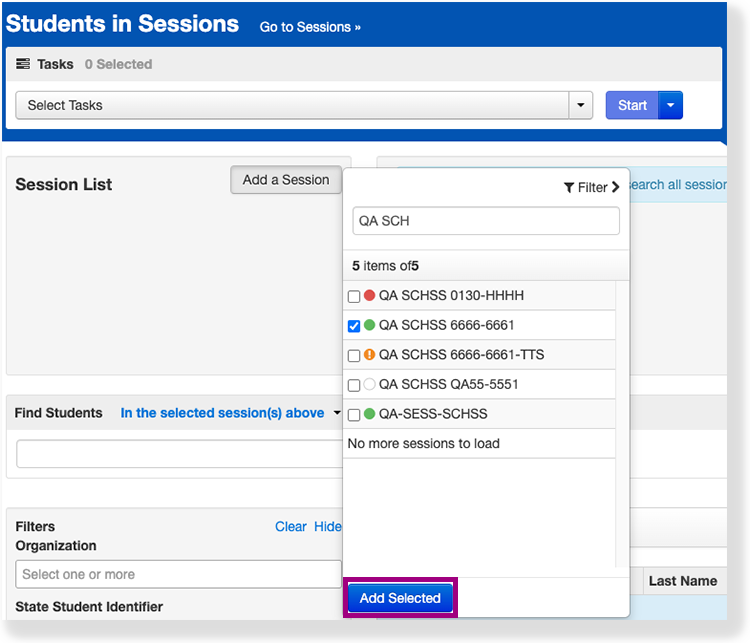
Click Add Selected.
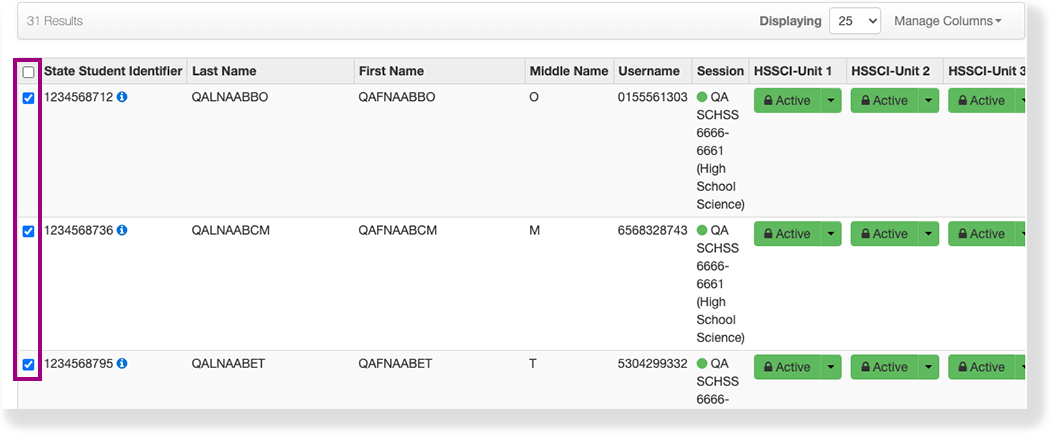
Click the checkbox next to the student or students to exit.