When defining a Field Set, there is as option to generate a Random ID for each student. When used, ADAM will generate an ID (Random ID) to be used for a student to log into a test. A Random ID cannot be used by itself for authentication, it must be used with another Rostered Field like First Name, Last Name, Identifier, Email or Username.
See also: Test Management: Field Sets
When including a random identifier as a student credential:
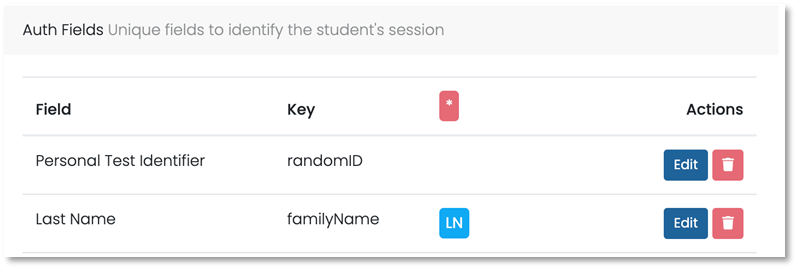
- Add the Random Id as a value in the Field Set Auth Fields
- Optionally modify how the field is displayed on the Student Test Card
- Add a second field in the Field Set Auth Fields
Classic User Interface:
Updated User Interface:
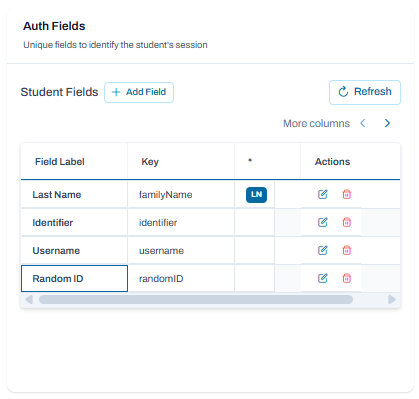
Example of the field setup in Test Management > Field Sets
Tiny Link: https://support.assessment.pearson.com/x/AwInC