-
Created by
 user-c5bed, last updated by user-6d962 on Dec 06, 2022
2 minute read
user-c5bed, last updated by user-6d962 on Dec 06, 2022
2 minute read
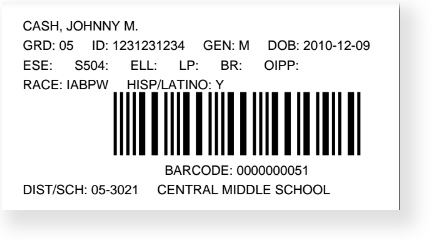
You can generate PreID barcodes to create labels containing unique numbers that identify each student and/or test assignments. You can print and apply the labels to answer documents. This matches the scanned answer document to the student and test assignment in the system.
Step-by-Step
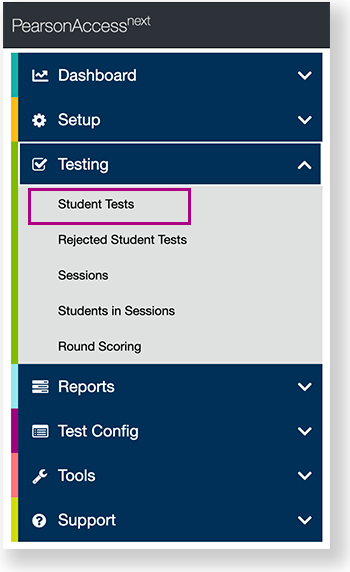
From Testing, go to Students Tests.
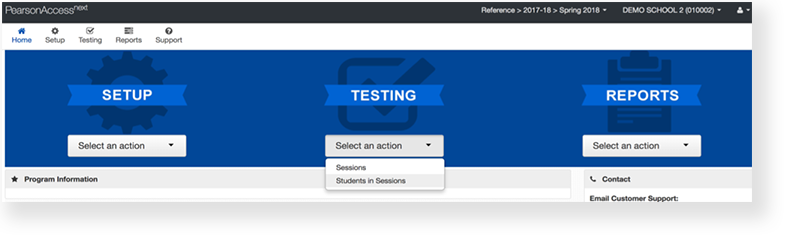
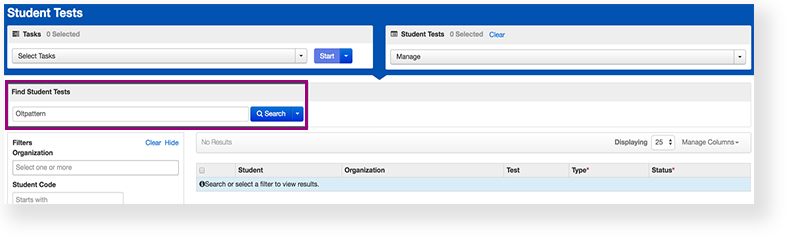
- Type a student name into the search field, and click Search.
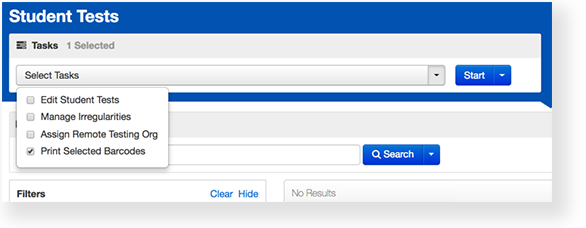
- Click Select Tasks, select Print Selected Barcodes, and click Start.
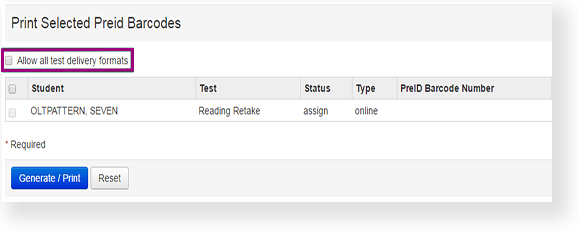
- Click the checkbox next to Allow all test delivery formats.
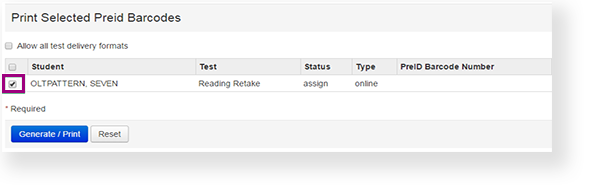
- Click the checkbox next to the student.
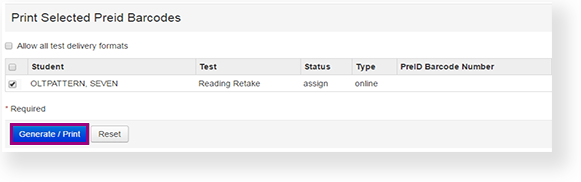
- Click Generate / Print.
Effects
Generates and prints at the same time.
When you click Generate / Print, a PreID Barcode Number displays.
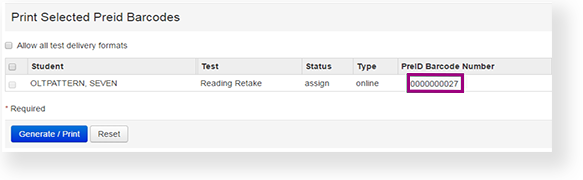
For paper testing, when you click Generate / Print, a PDF file is generated with PreID barcodes. Print the PDF from your computer.