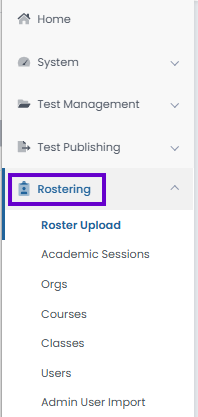
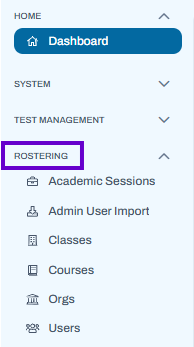
Rostering pages detail tasks related to exporting and creating data. Most customer use Launchpad for syncing rostering data, but ADAM is a convenient place to view that data and add accommodations.
Users with specific roles and associated permissions can access these areas within ADAM.
Classic User Interface:
Updated User Interface:
Tiny link: https://support.assessment.pearson.com/x/UQAnC